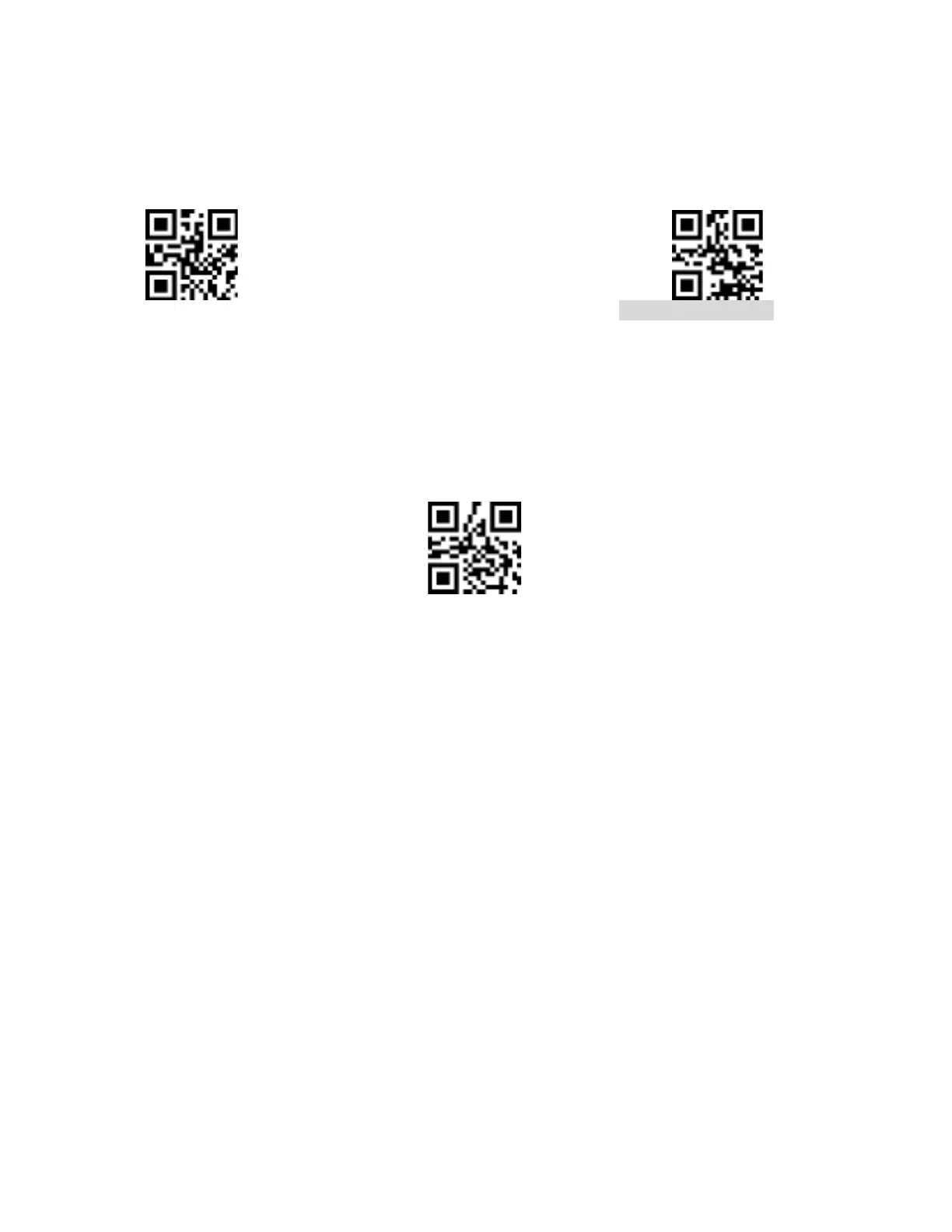
11.4 RF Message (Incorrect Scanning)
The RF (Incorrect scanning) message is user-defined information that the scanner sends
when the scanning is unsuccessful.
Send RF Message Not send RF Message
11.4.1 Modify RF Message (Incorrect scanning)
Scan the "Modify RF Message" setting code to change the incorrect scanning message. The
user can modify the RF information content, it can be up to 15 characters. Character values
can be found in the table in the Appendix.
Modify RF Message
Example: Modifying User Defined RF Message to "FAIL":
a) Check Appendix B for the four characters "FAIL" in hex value: "46", "41", "49",
"4C".
b) Confirm that the setting is enabled. If it is not enabled, scan the setting code “Enable
Setting” (see section 4.1).
c) Scan the "Modify RF Message" setting code.
d) Scan the data definition codes in this order “4”, “6”, “4”, “1”, “4”, “9”, “4”, “C”.
e) Scan the "Save" setting Code at the End of Appendix D.


 To Next Page