User Default Settings
In addition to the factory settings, users can also save their frequently used configuration
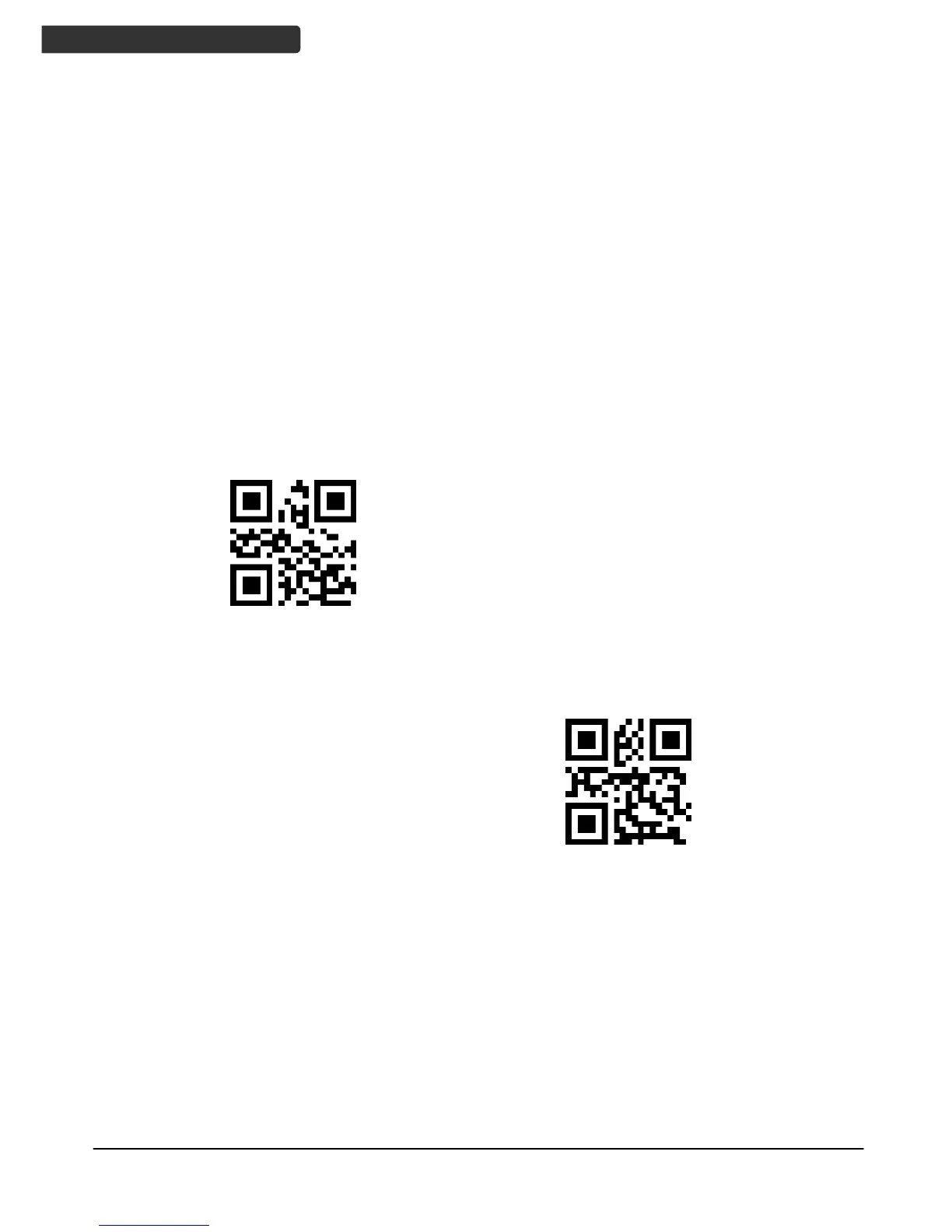
as the user default settings. By scanning the “Save current settings as user default"
barcode, the current configuration information of the device can be saved as the user
default settings information. If there is user default setting information in the scanner,
the new configuration information will replace the original user default setting
information after the operation.
By scanning "Restore user default settings", the reader module can be restored to user
default settings last saved.
Scan barcodes below to set or delete customer’s factory default.
Save current settings as user default
Restore user default settings



 To Next Page