Scan Mode
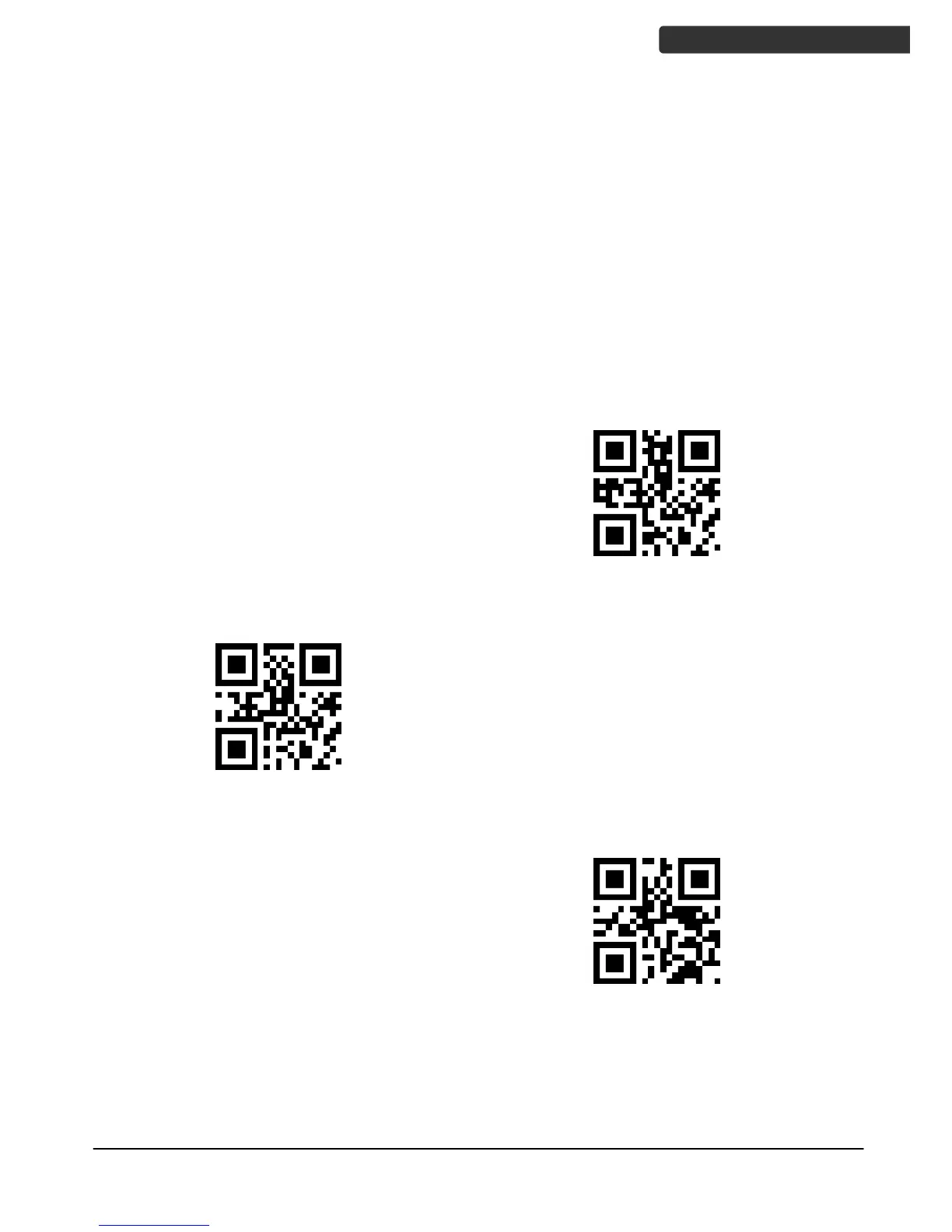
Scan a barcodes below to set the scanner to different modes.
Trigger Mode: In this mode, the scanner starts scanning after pressing the trigger, and
stops scanning after successfully reading the code or releasing the trigger.
Presentation Mode: Also called auto trigger mode. The scanner is inactive but will
automatically detect barcodes presented in the scan zone and become active. After
successful scan and data is sent or no barcode is scanned within a preset time, the
scanner will go back to monitoring state. Scanning can also be started by pressing the
trigger.
Continuous Scan Mode: Scans periodically non-stop at preset intervals. User can press
the trigger to pause the scanning and press the trigger again to resume scanning.



 To Next Page