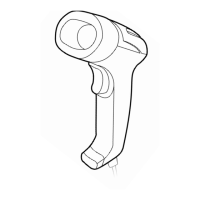
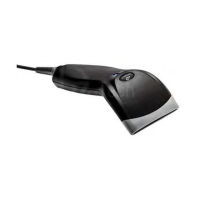
Using the Scanner
1. Ensure that the scanner is connected to the host computer correctly.
2. Hold down the trigger button to activate the red aiming line and the white
illumination pattern. The illumination pattern is used to illuminate the barcode. The
aiming line is used to aim at the barcode and help to find the best reading distance.
Keep red aiming line in the center of a bar code.
3. On a successful scan, there’ll be a beep sound, illumination & aiming pattern will turn
off. The scanner then transmits barcode message to the host computer.
NOTE: After scanning the same barcode a few times, it will be able to find a certain
scanning distance range with higher successful reading rate. This range is the optimum
reading distance.



 To Next Page