Appendix C: Data Code Editing
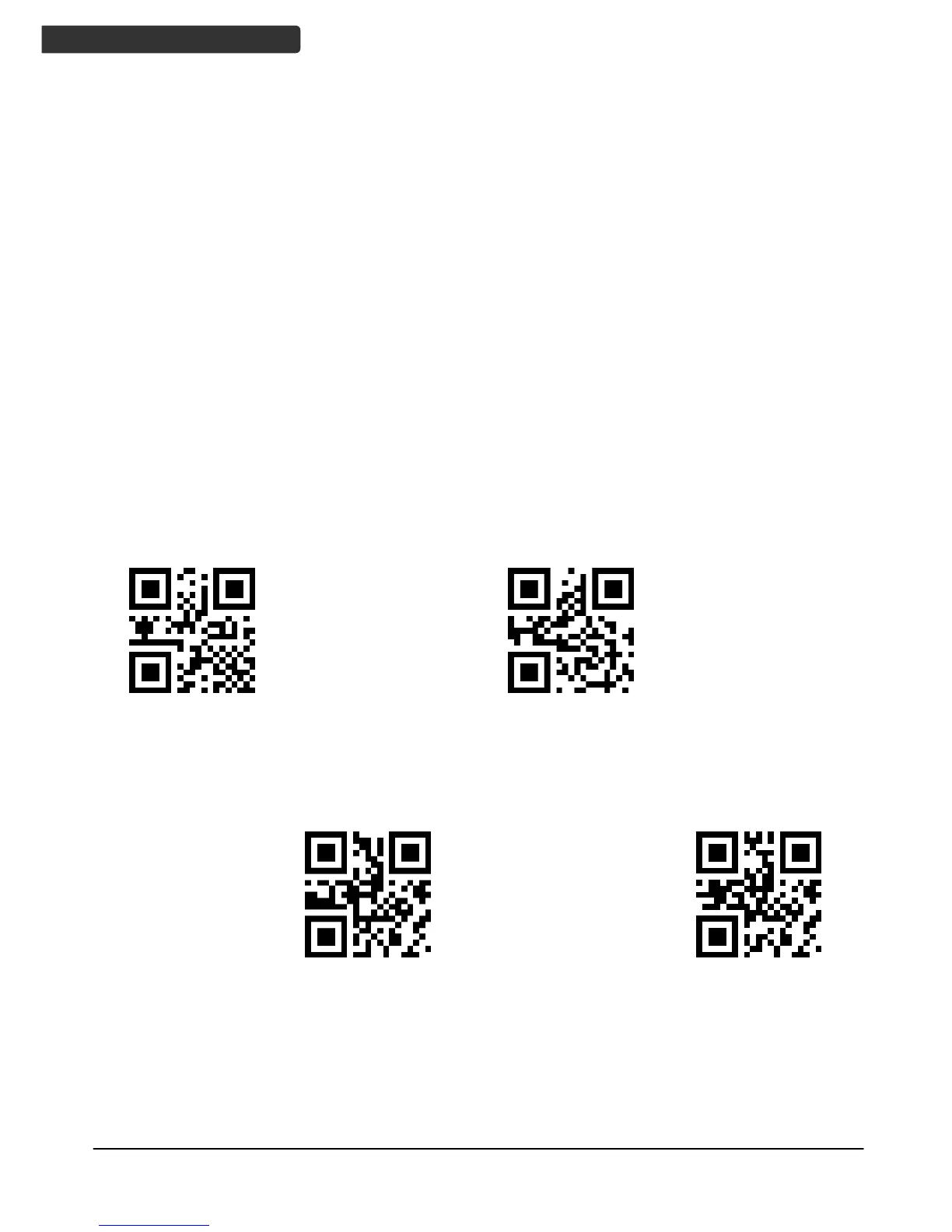
After reading the data code, scan “Save Settings" code to save the settings. If there is a
mistake while reading the data code, you can cancel the readings with the barcodes
below.
Examples:
For data code string "AB12", after scanning "A", "B", "1", "2" in data code entry:
1. If the "Erase last data” is scanned, data "2" will be erased, leaving string entry
"AB1". Next scan of data codes will append new data to end of "AB1".
2. If "Cancel String" is scanned, the whole string "AB12" will be erased, leaving empty
string. Next scan of data codes will start as new string.
3. If "Abort Setting" is scanned, the data code setting operation will be aborted.



 To Previous Page