The prefix string can be modified by following steps:
1. Look up the hexadecimal codes of the prefix characters in the ASCII code character
table in Appendix A. Up to 15 characters is allowed in the Prefix string.
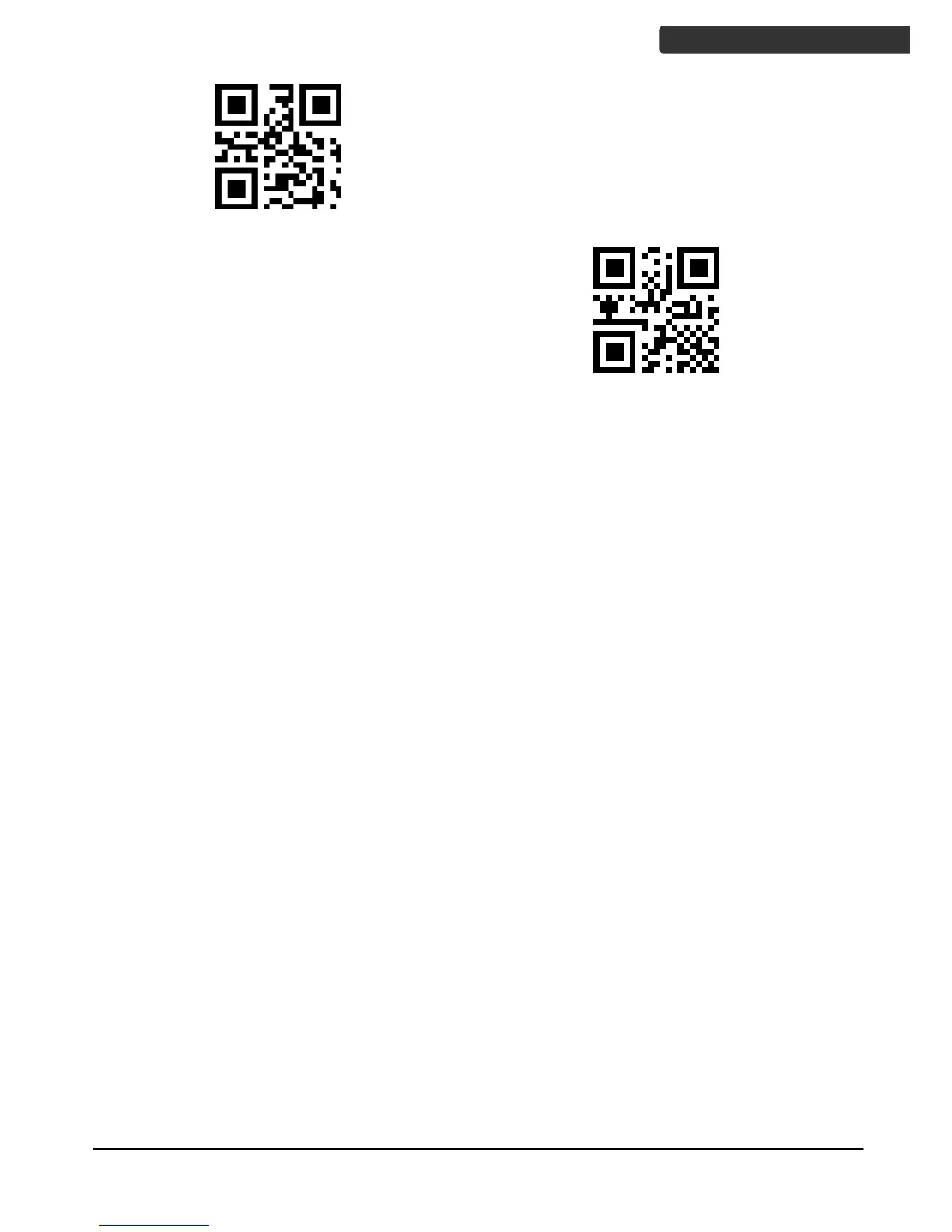
2. Confirm whether programming of scanner is enabled. If not, scan the "Enable
Programming” setup barcode on page 2.
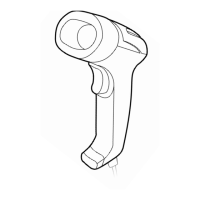
3. Scan "Modify Prefix" barcode.
4. Scan the data setting bardcodes in Appendix B for the hexadecimal data codes of
the Prefix (2 hexadecimal digits per character).
5. Scan the "Save Settings" barcode.
Example, set Prefix string to "DATA"
1. From the ASCII code character table, the hexadecimal values of the string "DATA" is
"44", "41", "54", "41".
2. Confirm that programming of scanner is enabled.
3. Scan "Modify Prefix" barcode.
4. Scan the 8 data setting bardcodes in Appendix B, "4", "4", "4", "1", "5", "4", "4", "1".
5. Scan the "Save Settings" barcode.



 To Next Page