5
3 Installation
3.1 Connecting Printer to Computer or POS Terminal
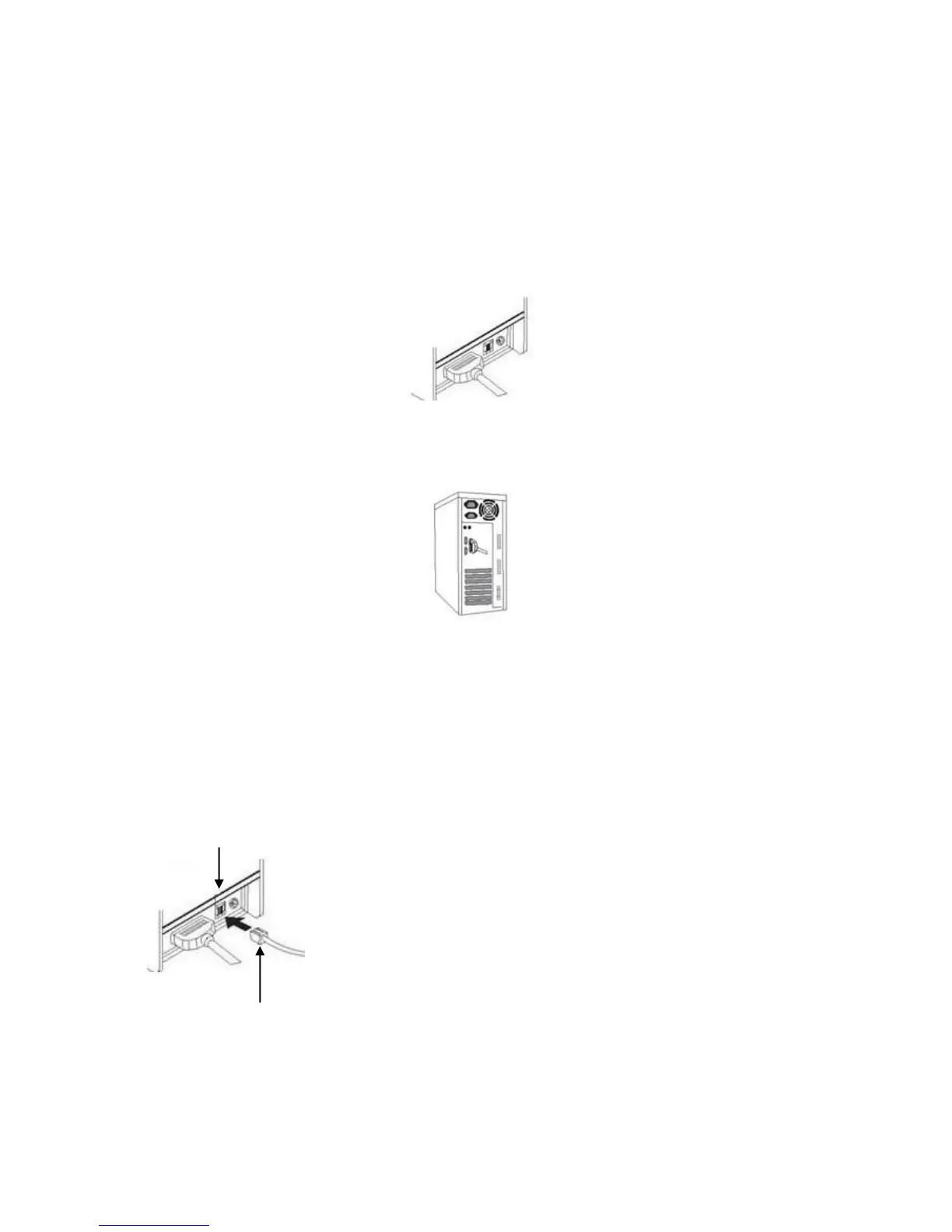
3.1.1 Connect the interface cable (USB/serial) to the printer.
Connect to LR2000
3.1.2 Connect the other end of interface cable (USB/serial) to the computer.
Connect to Computer
3.1.3 For Ethernet interface, connect the Ethernet cable to Ethernet hub,
switch, or router.
3.2 Connecting to Cash Drawer
Connect cash drawer cable to cash drawer port at the back of printer
3.3 Connecting to Power
3.3.1 Make sure the AC power is unplugged and the printer is powered off
before connecting the power cord.
Cash drawer cable connection.
Use 12-24V/1A cash drawer only. Incompatible cash drawer will
cause damage to both the cash drawer and the printer.
Do not connect cash drawer port to the telephone line. It may
cause failure condition on telephone line and printer.



 To Next Page