6
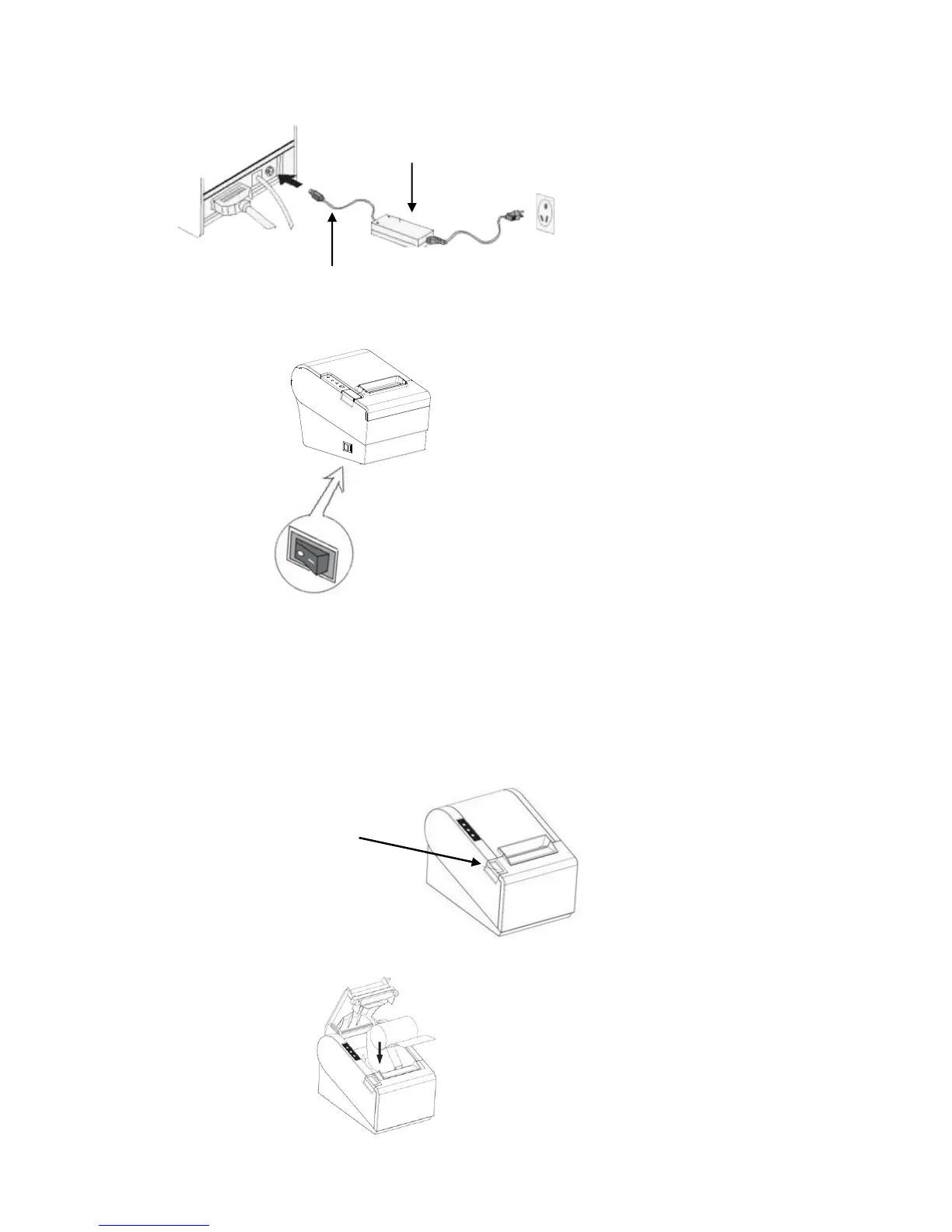
3.3.2 Connect DC power cord to printer and then AC power plug to wall socket.
3.3.3 Turn on the power switch on the printer side.
3.4 Load and Replace Paper Roll
3.4.1 Press the Button to Open Paper Roll Cover
3.4.2 Remove the used paper roll to replace with a new roll
3.4.3 Load the paper roll as shown below:
Press the Cover
Release Button



 To Next Page