111
DEUTSCHENGLISH
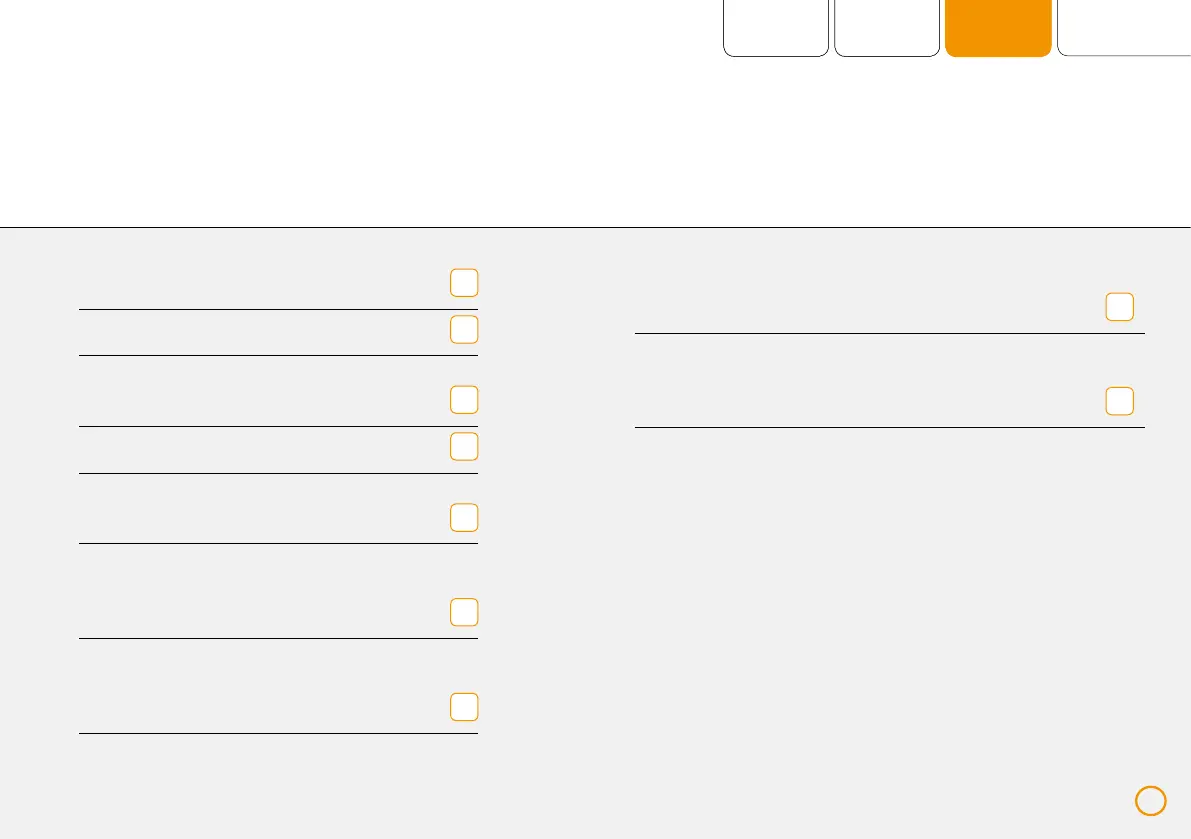
Applicator window (displays the
connected application module on
the chosen port)
User and navigation lines (contain
important operating elements,
e. g. plus Button or [START / STOP])
8
9
Applicators (display the remaining
time of the ongoing application)
Memory card (if inserted)
Volume
(in current setting)
Rechargeable battery (state of charge)
Power supply operation
(if connected)
Displays the active modus
(the intensity and status
of the plus Signals)
Application window
(displays the application progress
incl. level and period of time)
1
3
4
2
5
7
6
111


 To Next Page