113
DEUTSCHENGLISH
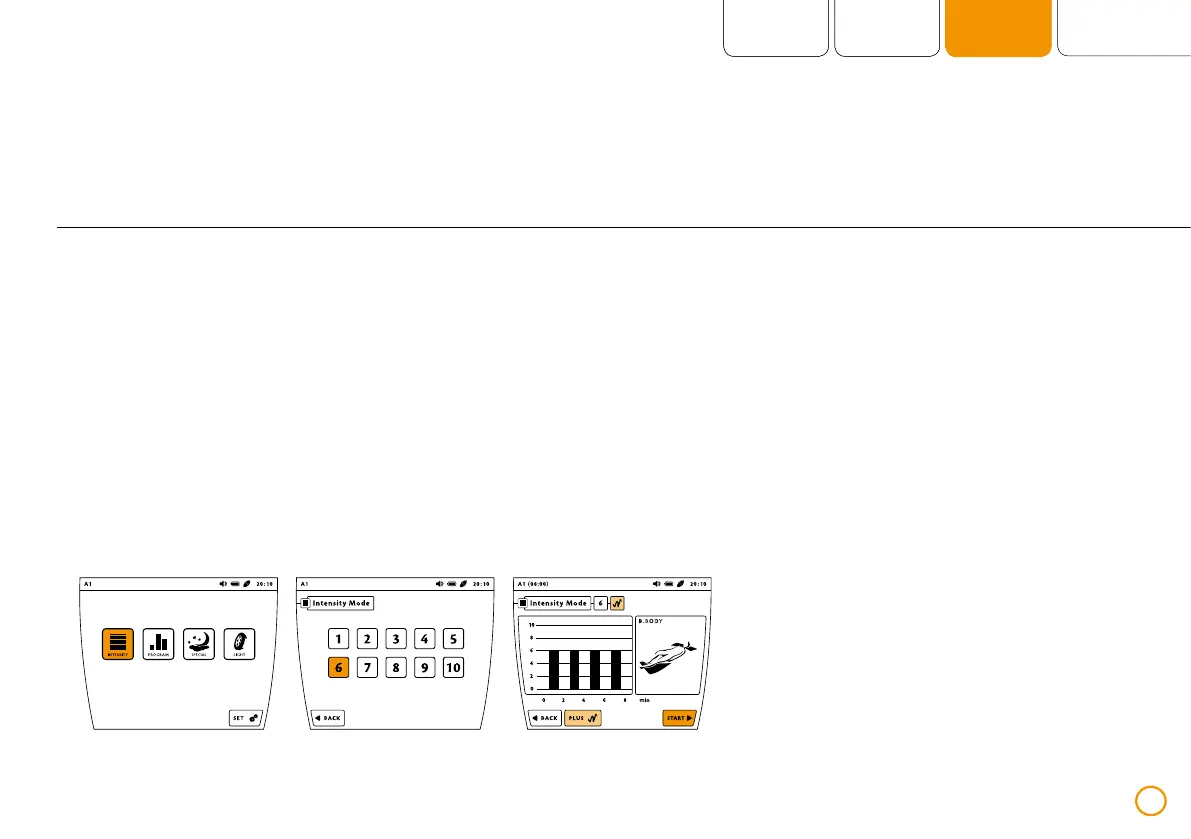
Short application (intensity levels 1-10)
>> Press the button [INTENSITY].
>> Select the desired intensity by pressing
the respective number (1-10).
>> Activate or deactivate the plus Signal
by pressing [PLUS].
>> After making the selection, start the
short application by pressing [START].
Example – short application with intensity 6 (using the application B.BODY via port A1)


 To Next Page