5
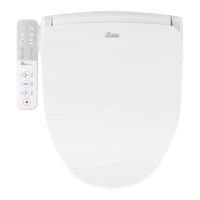
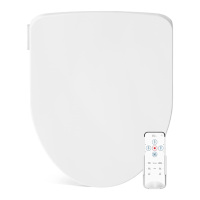
FLUSH
Activates flush. The seat must be unoccupied.
FRONT
Press to activate the oscillating front wash.
Press again to turn off oscillation.
REAR
Press to activate the oscillating rear wash.
Press again to turn off oscillation.
STOP
Press to stop any operations.
DRYER
Press to activate the warm air dryer.
AIR TEMP | WATER TEMP. | SEAT TEMP.
Press the corresponding buttons to adjust the temperature
settings on each feature.
• Low - Blue
• Medium - Purple
• High - Red



 To Next Page