TD-550/560 Oil in Water Analyzer Operation
PN 106737
REV H
TD-550/560 Oil in Water Analyzer
Operation Manual
7
2 OPERATION
The TD-550/560 is powered by the touch screen tablet’s battery and does not need to be connected to
an AC outlet unless the battery requires charging. For initial operation connect the USB-C connector to
the tablet, the USB-mini connector to the back of the analyzer, and the power connector to AC power.
The round connector at the back of the analyzer is not used. Ignore the ashing red light on the back
of the analyzer. To begin using the TD-550/560, press the power button, located on the top edge of the
tablet.
If the tablet’s charge falls below about 30%, the analyzer will not be able to properly communicate with
the tablet. If the tablet will not properly communicate with the analyzer, allow the battery to charge to
over 30% before using the analyzer. However, Benchmark does not recommend that the AC power
should be continuously provided to the tablet through the charger.
The TD-550/560 is set up with tablet settings that are optimized for the application. Benchmark
International does not recommend that the tablet settings be changed, except as directed in this
manual.
2.1 TOUCH SCREEN INTERFACE
This section provides an overview of some key features of the TD-550/560 touch screen tablet. Other
screens and functionality are described in detail in the following sections of this manual. In addition,
video tutorials of calibration and analysis procedures are available in the Help & Settings pages on the
tablet.
The tablet is required for the system to operate properly and cannot be swapped. If the tablet is
somehow damaged or lost, then the entire analyzer must be replaced. Do not attempt to separate the
tablet from the analyzer.
Start Screen
When rst starting the touch screen tablet, press the Power button at the top-left corner of the tablet.
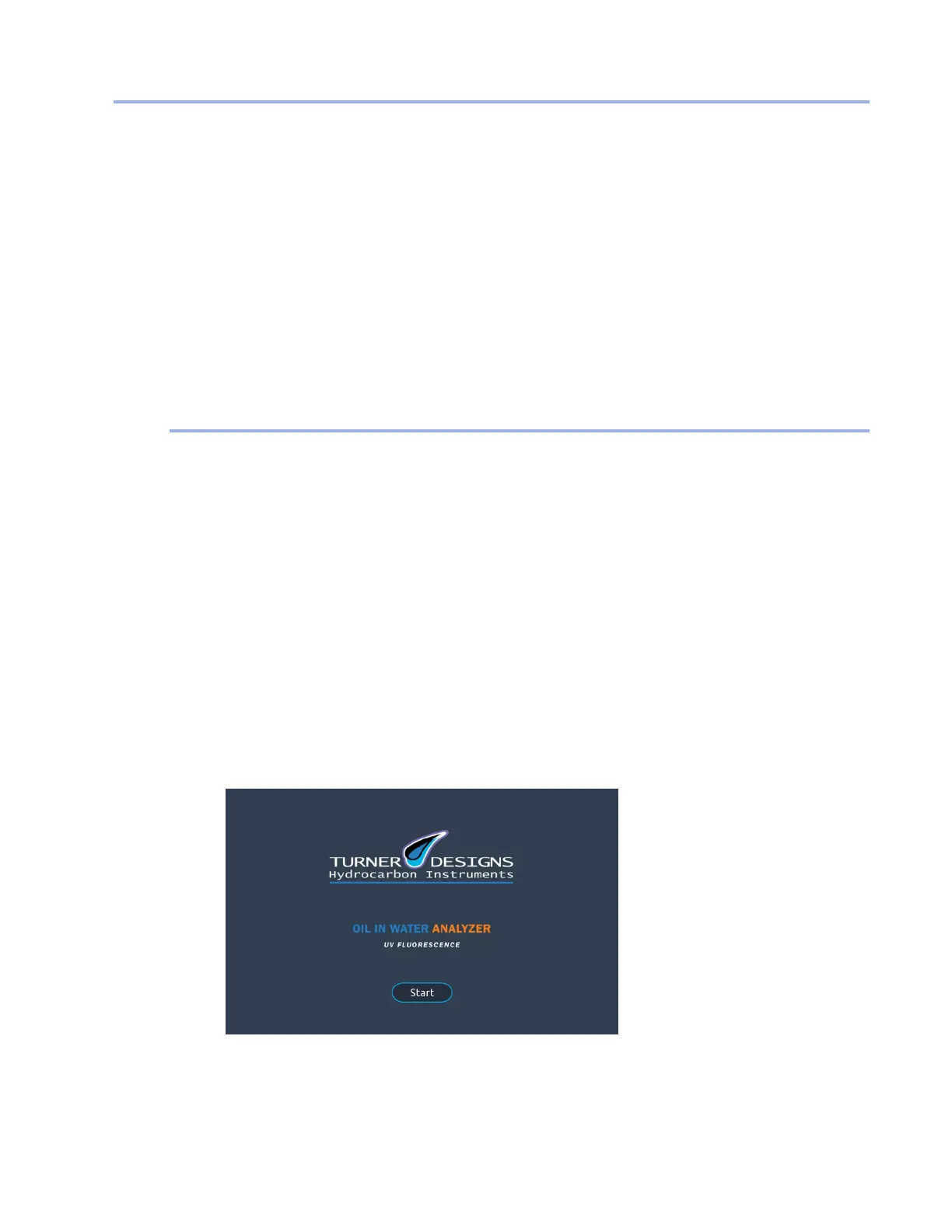
The tablet desktop includes an icon for the TD-550/560 software. When you tap the icon, the Start
screen appears. This screen will also appear when the program has been idle for 15 minutes or more.
Tap the Start button. The Home screen will appear.
The TD-550/560 application does not automatically start upon power up of the analyzer, thus the
application must be manually started as mentioned above each time you want to use the application.


 To Next Page