21
TGH1266E - 05/04
Operation and Setting
Press the <UP> key to modify the present setting;
press <ENTER> to accept the value displayed in
the top line and return to the display menu.
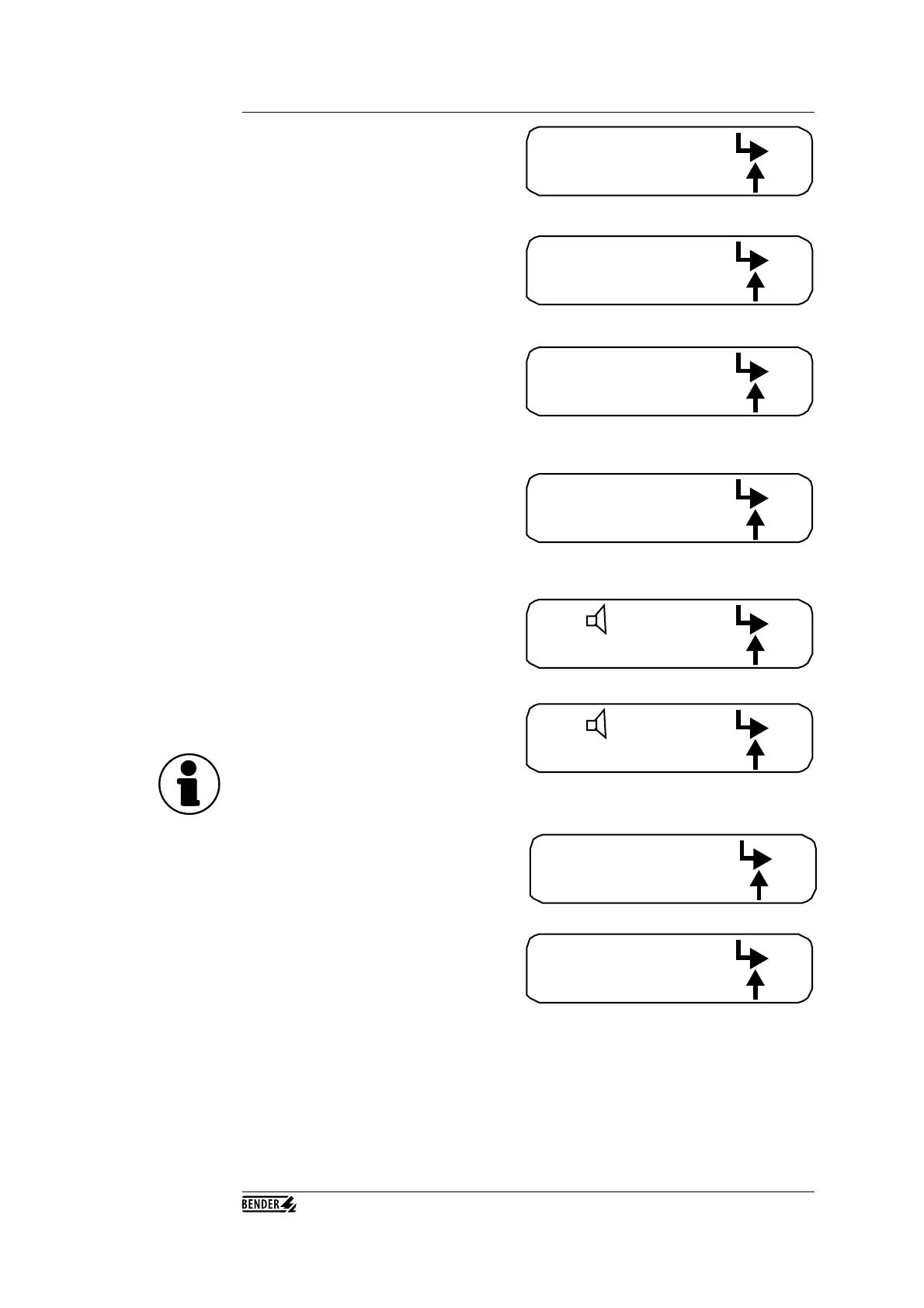
Menu 4 (m4) is used to activate or deactivate the
internal buzzer. Press <ENTER> to reach the
buzzer program, and press <UP> to go to the
next menu, m5.
The top line shows the present status of the
buzzer - in this example, the buzzer is activated
(on). Press <UP> to change the setting to ‘off’,
or press <ENTER> to accept the displayed
setting and then return to the display menu.
Note: the buzzer setting will only remain active until the next time the EDS165 is switched off!
Press the <ENTER> key to implement the reset;
use the arrow keys to go back to the previous
menu without a reset.
Menu 3, ‘Memory’ (m3) is used to specify the
memory behaviour for the alarm message and
the message LED. Press the <ENTER> key to
call up the sub-program, and press the <UP> key
to reach the next menu, m4.
no reset:
reset: alarm
m3:
m2: reset
off:
memory on:
m4:
m3: memory
m5:
on/off
m4:
off:
on
The next menu (m2) is the Reset Menu.
Press <ENTER> to call up the reset program,
and press <UP> to call up the next menu (m3).
Use Menu 5 (m5) to adapt the EDS165 to the
respective system frequency. Press <ENTER> to
call up the system frequency adaptation menu;
press <UP> to return to the display menu.
The top line displays the system frequency that
is set at the moment, which is 50 Hz in this case.
Use the <UP> key to modify the frequency: the
values available are 50, 60 and 400 Hz. Press
<ENTER> to accept the set value and return to
the display. You must always set the frequency which is present in the respective system.
In pure DC systems only, you must set the frequency of the system from which the DC is
obtained.
Note: after you exit the individual menus (m1 ... m5), you will always be returned to the display
menu.
50 Hz
frequency: ok:
menu:
m5: freq. (I∆s)



 To Next Page