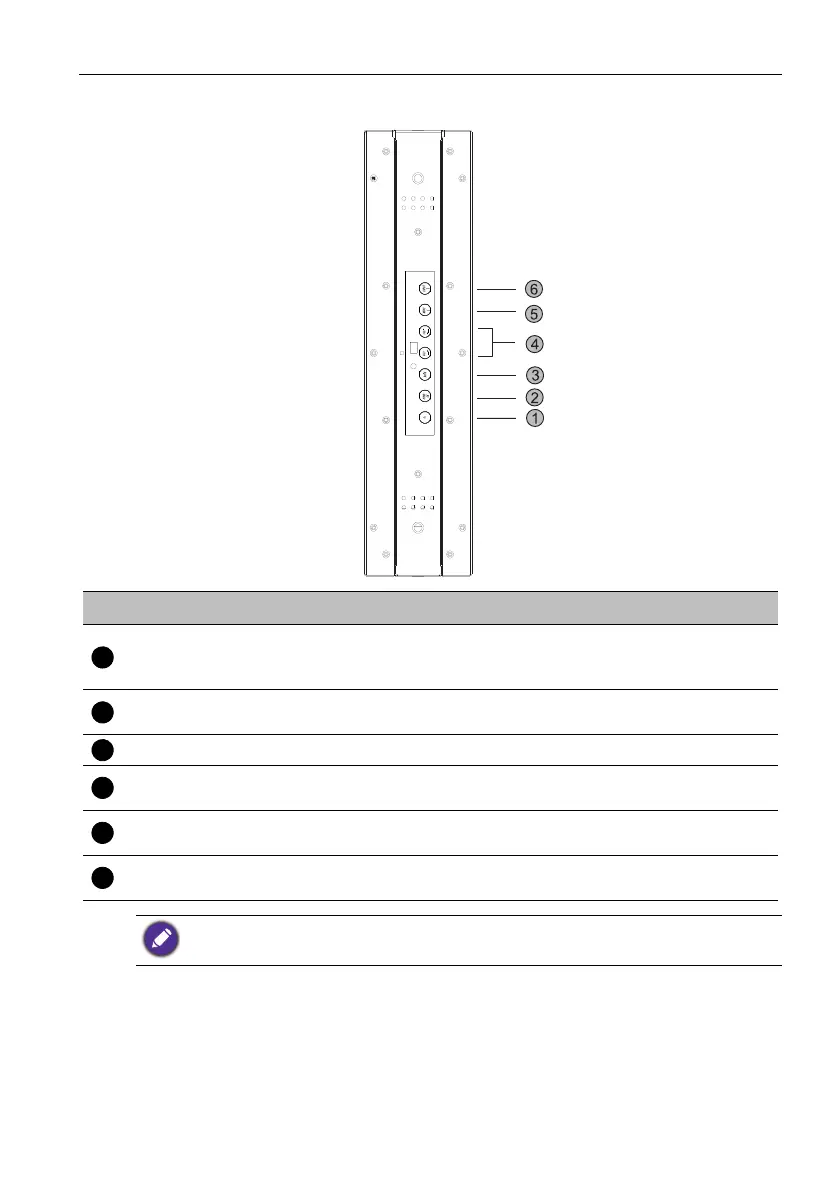
Parts of the display and their functions 9
l
No. Name Default Function
Alternative Function
Power
Power ON/OFF. Press for 5
seconds to fully power off the
display.
NA
HOME OK. Enter the next level.
Home. Go back to main
launcher.
BACK Back. Return to the previous level. NA
Volume up/
Volume down
Select Right/ Left. Select different
item.
Increase/ Decrease volume.
MENU Scroll up. Select different item.
Menu. Open or close OSD
menu.
INPUT Scroll down. Select different item.
Input. Switch between input
sources.
Press INPUT for 10 seconds to switch between default and alternative key function.



 To Next Page