Menu operations34
Input settings (HDMI)
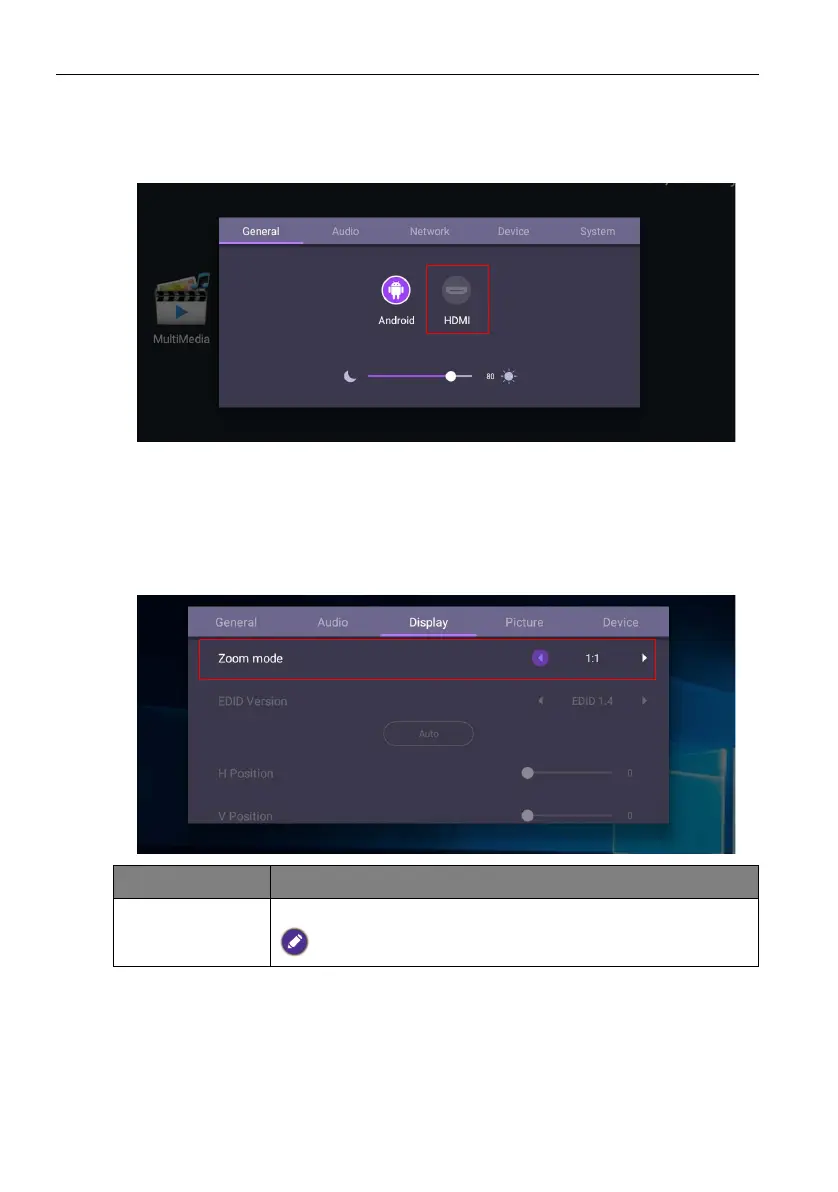
• Press MENU on the remote control or MENU on the front panel to enter the
General menu. Select HDMI. You can also switch to HDMI by directly connecting the
HDMI cable to the device.
• For more information about Audio settings (HDMI), please refer to Audio settings
(Android) on page 28.
• For more information about Device settings (HDMI), please refer to System settings
(Android) on page 31.
Display settings (HDMI)
Use Zoom mode to adjust the image.
Menu Description
Zoom mode Options are Full / 1:1.
The default value of Zoom mode is Full.



 To Next Page