Basic operations20
Android System Interface
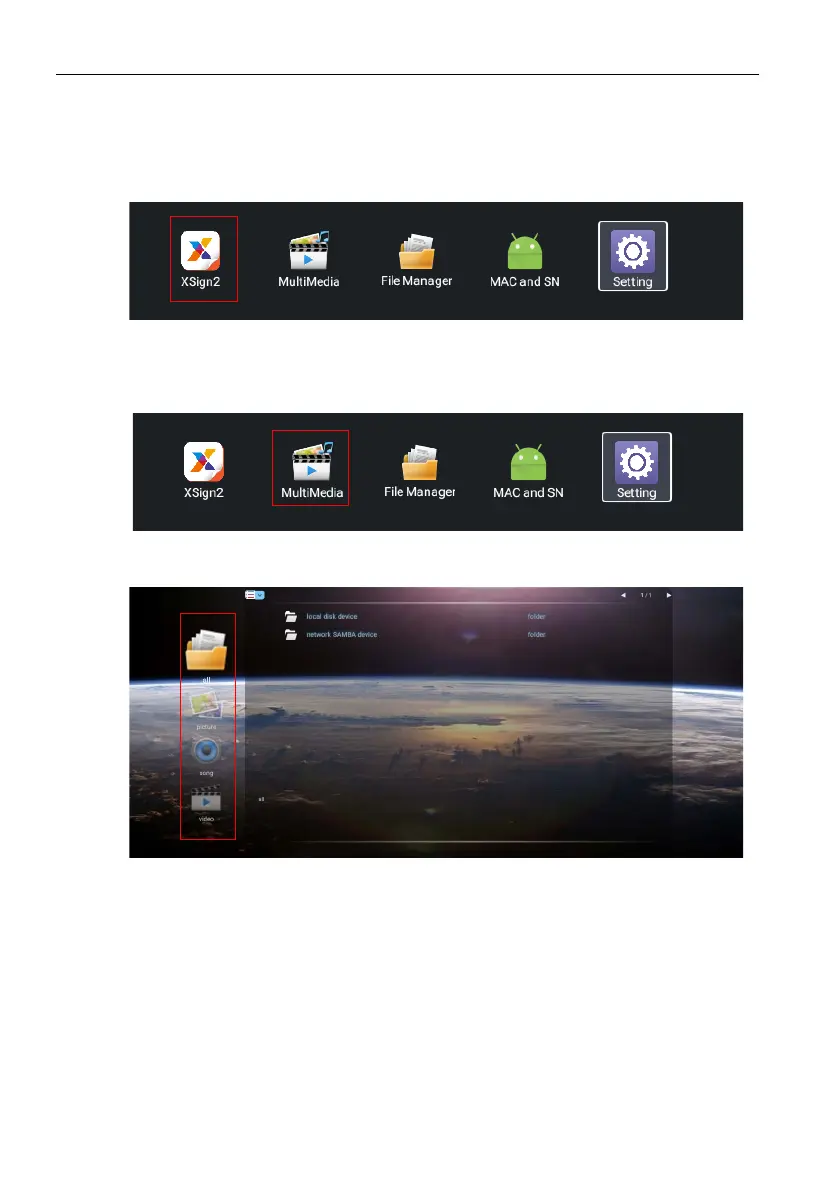
X-Sign
Switch the input to Android system, and select X-Sign app. For more information about
X-Sign, please refer to X-Sign user manual.
Multimedia
• Multimedia files such as images, audio files, and videos can be played by clicking on the
icon.
• Select all or the corresponding file type on the left side to see the file type you want to
play.



 To Next Page