Basic operations 15
Basic operations
Turning the display on or off
Switching input signals
Press the INPUT button on the remote control or the INPUT button on the control
panel to select an input signal.
Playing media files
There are three ways to play the content.
X-Sign
To play content from X-Sign app. Switch the input to Android system, and select X-Sign
app. The X-sign content must match the resolution of the display, and the video is
recommended to use H.265 in avi/ mkv/ mp4 format. Please refer to X-Sign content
compatibility on page 38 and X-sign user manual for detailed information.
USB drive
To play media files stored on a USB flash drive, insert the flash drive to the USB port
located on the rear panel, then press the INPUT button on the remote control or the
INPUT button on the control panel and select Android from the input menu. Play
picture/ song/ video via MultiMedia. Please make sure that the content resolution
matches the display resolution (refer to X-Sign content compatibility on page 38 for the
resolution table). For more information regarding Multimedia, please refer to Multimedia
on page 20.
HDMI
To play content from HDMI source, connect the HDMI cable to the source directly, or
switch HDMI input manually. In default 1:1 mode, it will display the upper section of the
input source. Please make sure the upper section of the input source matches the display
resolution (refer to X-Sign content compatibility on page 38 for the resolution table).
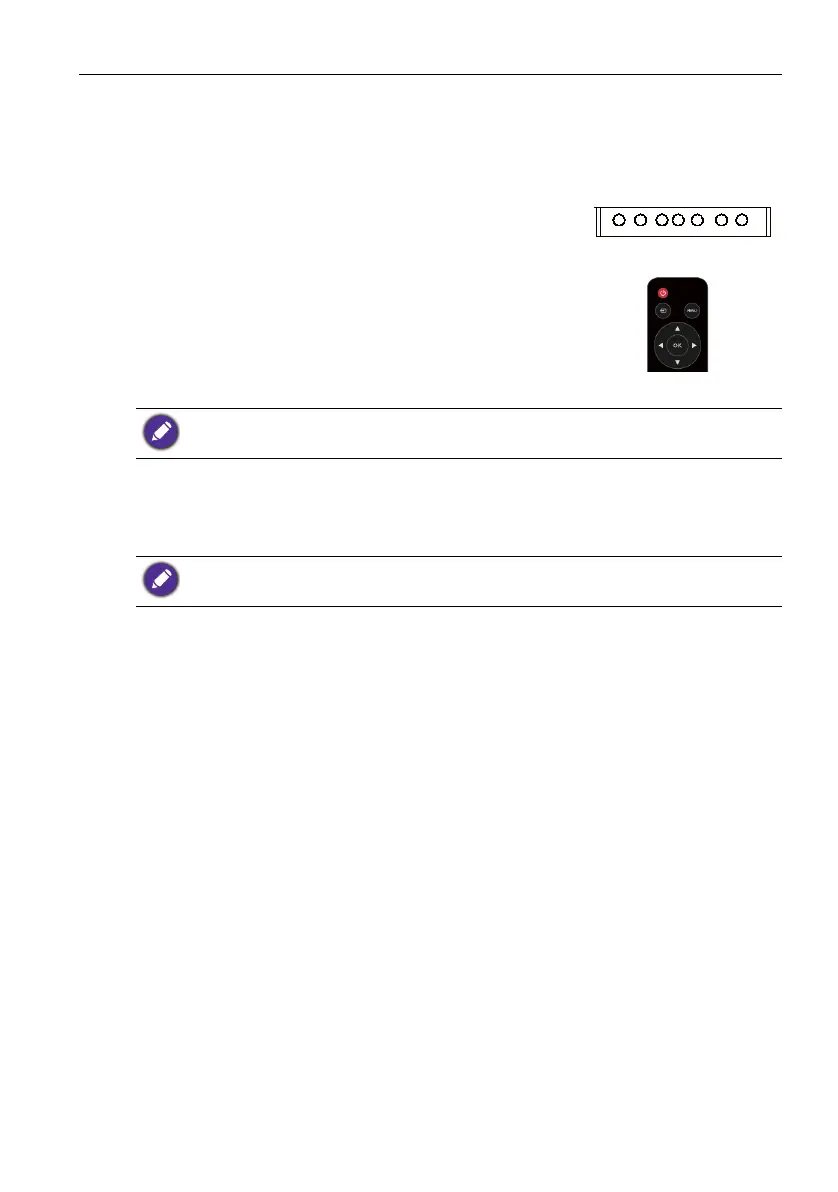
To turn on the display, press the power button on the
display’s control panel or on the remote control.
HOME MENU INPUTPOWER BACK VOL+ VOL-
The display’s standby mode still consumes power. To completely cut off power supply, disconnect
the power cord from the power outlet.
If an input source has been previously selected, the display will automatically select that input
source when it is turned on.



 To Next Page