Menu operations 27
Menu operations
Control Action
Press BACK on the remote control to exit the menu.
Setting menu
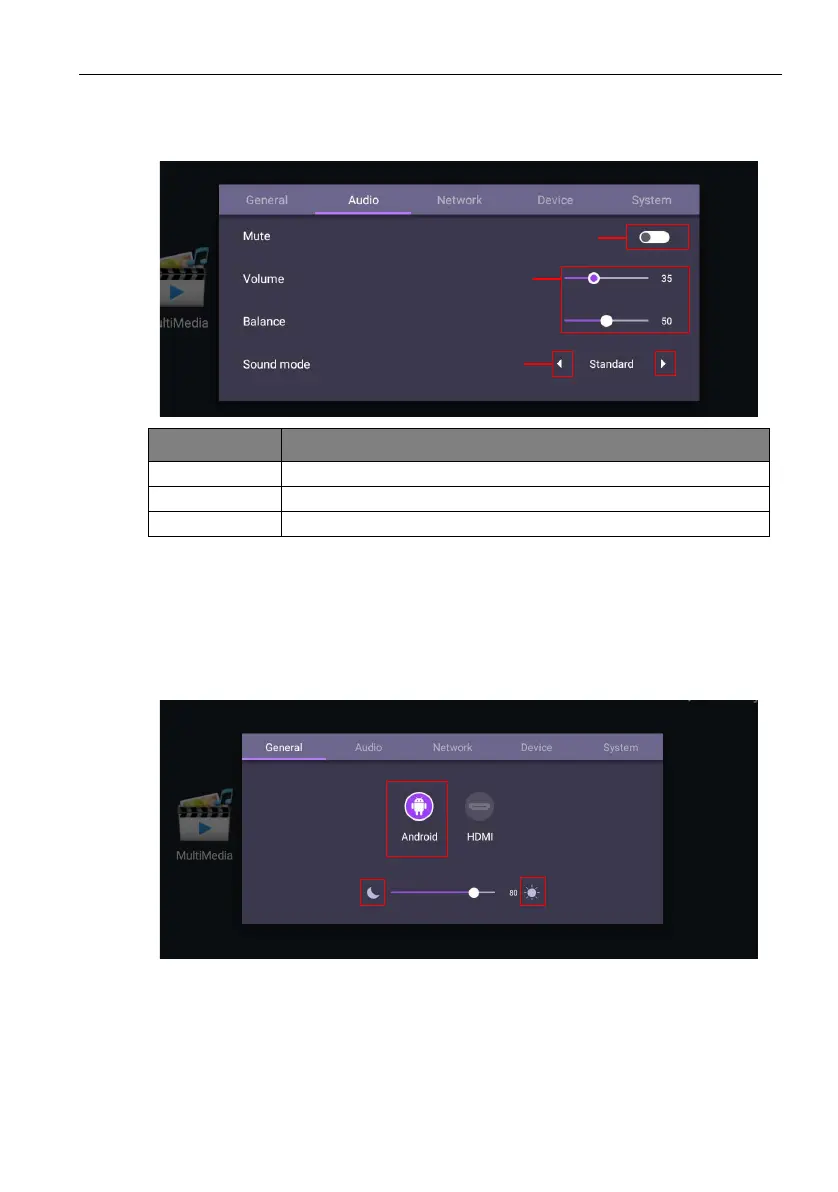
Input settings (Android)
Press MENU on the remote control or MENU on the front panel to enter the General
menu. Select Android.
• Press/on the remote control and press OK to select a desired input source.
• Use the brightness bar to adjust the brightness for the display. Press OK on the sun/
moon icon to adjust max./ min. brightness.
Action Description
1 Press OK on the remote control to set on or off.
2 Press / on the remote control to adjust.
3 Press OK on the remote control to shift.



 To Next Page