Basic operations 21
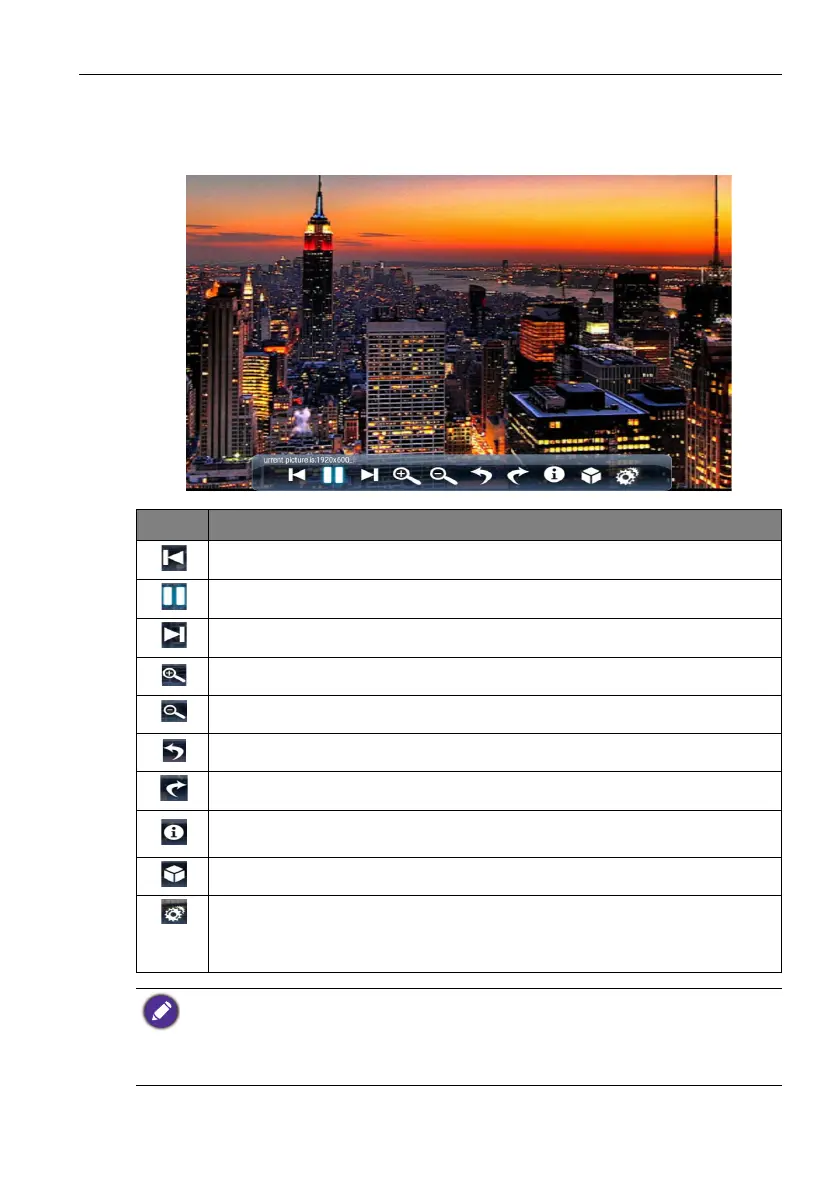
Picture
Select a file you want to show on the display and perform any of the functions shown on
the screen.
Icon Function
Play the previous image.
Play/pause the current playback.
Play the next image.
Magnify the current image.
Shrink the current image.
Rotate the current image counter-clockwise.
Rotate the current image clockwise.
See the information about the file name, creation time, file size, and the file
format.
Without function.
Playing settings.
• Animation effect is without function.
• You can select playing interval time.
Supported image format (max resolution):
• JPEG (base-line up to 8K x 8K, progressive up to 4K x 4K)
• PNG (8K x 8K)
• BMP (8K x 8K)
• GIF (4K x 4K)



 To Next Page