Parts of the display and their functions14
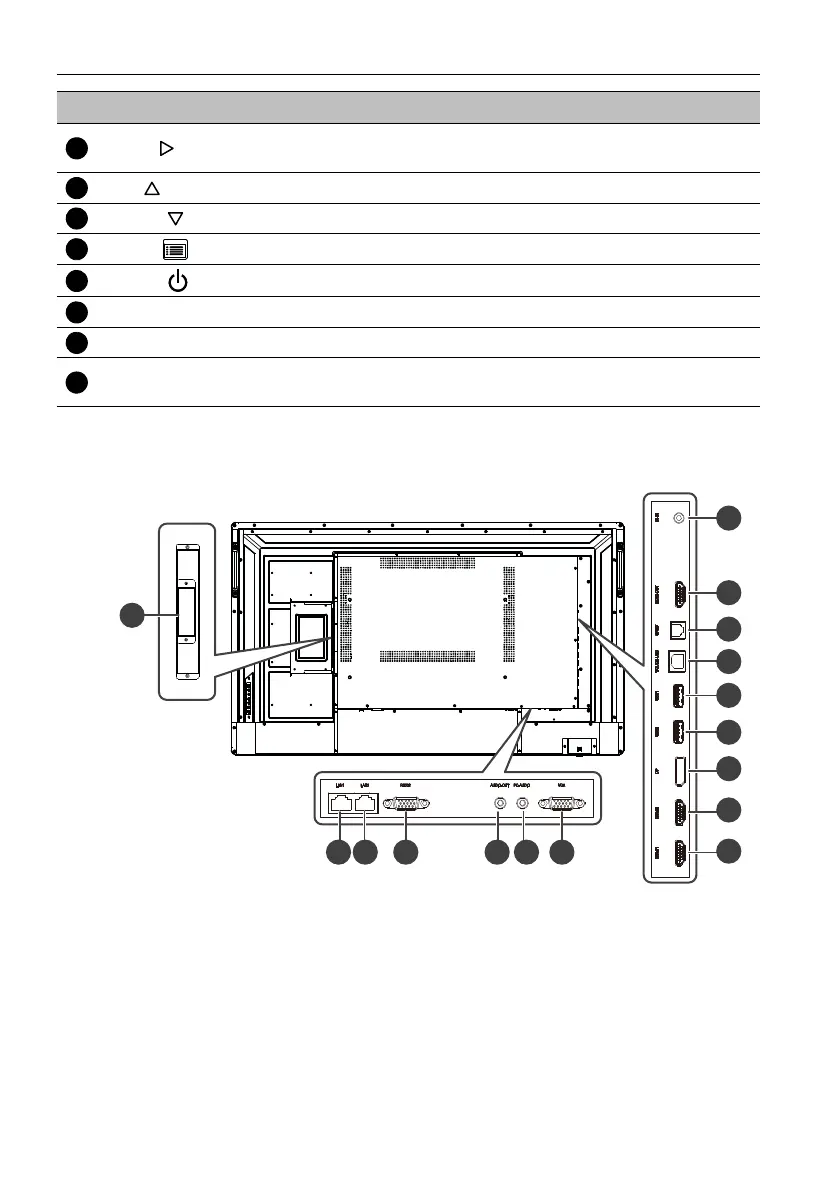
Input/output terminals
IL4301
Right ( )
• Increases the volume.
• Scrolls rightward in the OSD menu.
Up ( ) Scrolls up in the OSD or input source menu.
Down ( ) Scrolls down in the OSD or input source menu.
Menu ( )
Opens/closes the OSD menu.
Power ( )
Turns the display on/off.
Power Switch Turns on/off the power supplied from the AC IN port.
AC IN port Connects to a power outlet through the supplied power cord.
Remote Control Sensor
& Power Status Indicator
• Receives signals from the remote control.
• Indicates the operating status of the display.
No. Name Description



 To Next Page