Basic operations36
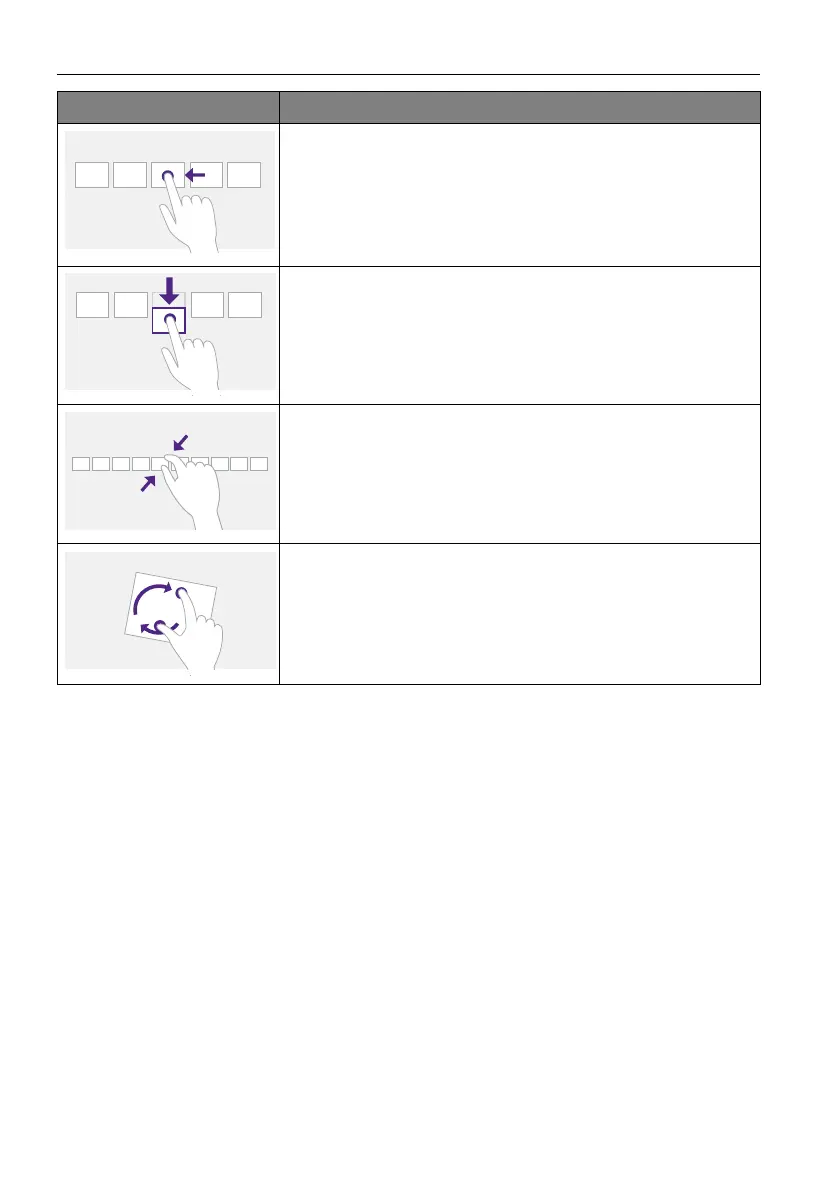
Slide to pan
Slide is primarily used for panning interactions but can also be
used for moving, drawing or writing. Slide can also be used to
target small, densely packed elements by scrubbing (sliding the
finger over related objects such as radio buttons).
Swipe to select, command, and move
Sliding the finger a short distance, perpendicular to the panning
direction, selects objects in a list or grid (ListView and
GridLayout controls). Display the AppBar with relevant
commands when objects are selected.
Pinch and stretch to zoom
While the pinch and stretch gestures are commonly used for
resizing, they also enable jumping to the beginning, end, or
anywhere within content with Semantic Zoom. A
SemanticZoom control provides a zoomed out view for showing
groups of items and quick ways to dive back into them.
Turn to rotate
Rotating with two or more fingers causes an object to rotate.
Gesture Description



 To Next Page