Menu operations 39
General settings
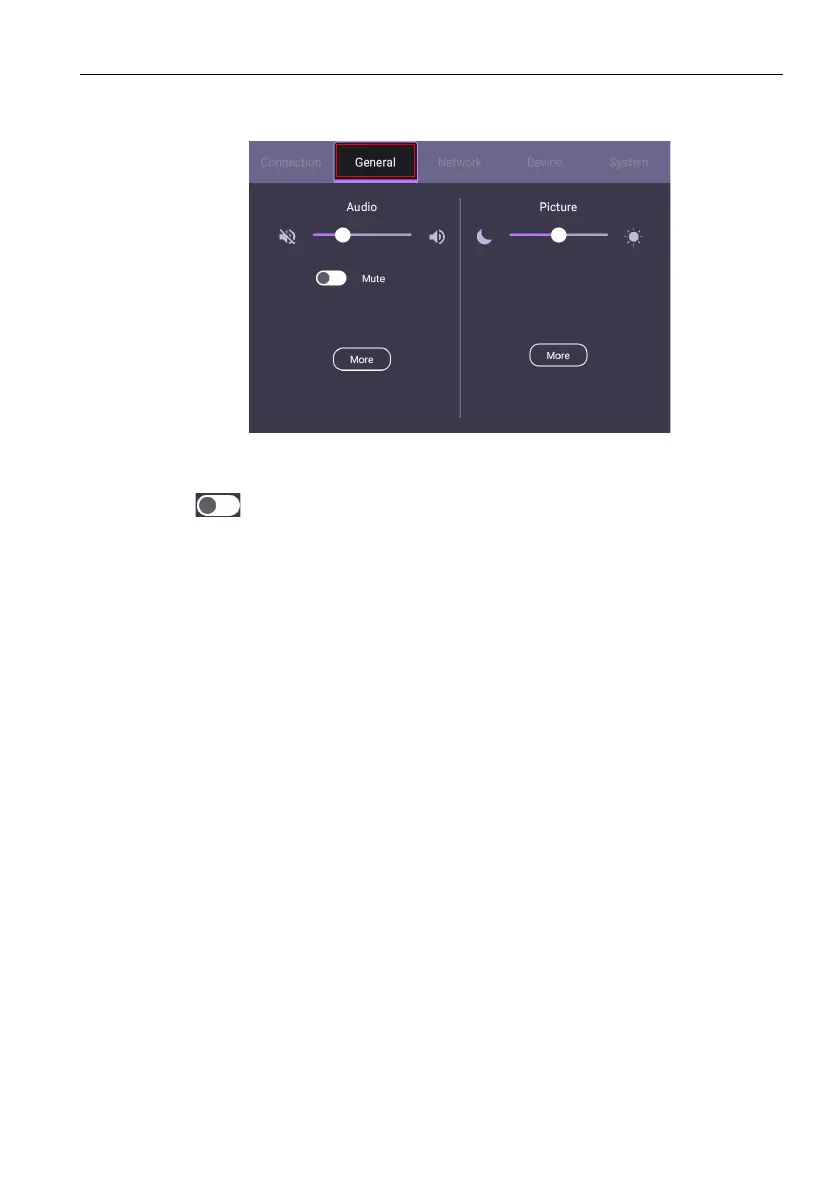
Go to General to access the Audio and Picture settings.
Audio audio
• Use the volume bar to adjust the volume for the display.
• Swipe to enable or disable Mute.
• Go to More to enter the Audio menu.
Picture
• Use the brightness bar to adjust the brightness for the display.
• Go to More to enter the Picture menu.



 To Next Page