Android system interface52
Side tool bar
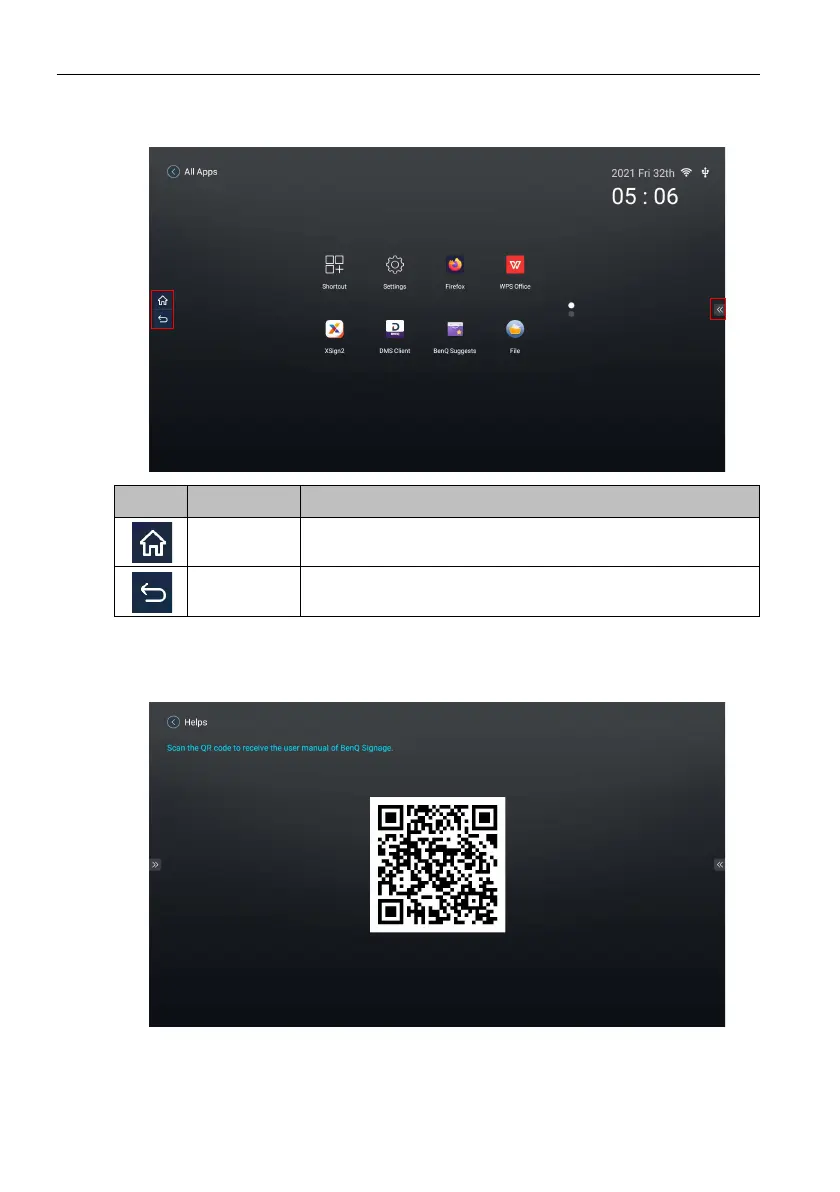
Tap the tabs at the left or right of the Android main interface to access the side tool bar.
Helps
Helps allows you to access the user manual of the display. When the Helps screen
appears, scan the QR code to view the user manual.
Icon Function Description
Home Returns to the Android main screen.
Back Returns to the previous screen.



 To Next Page