Apps56
Picture
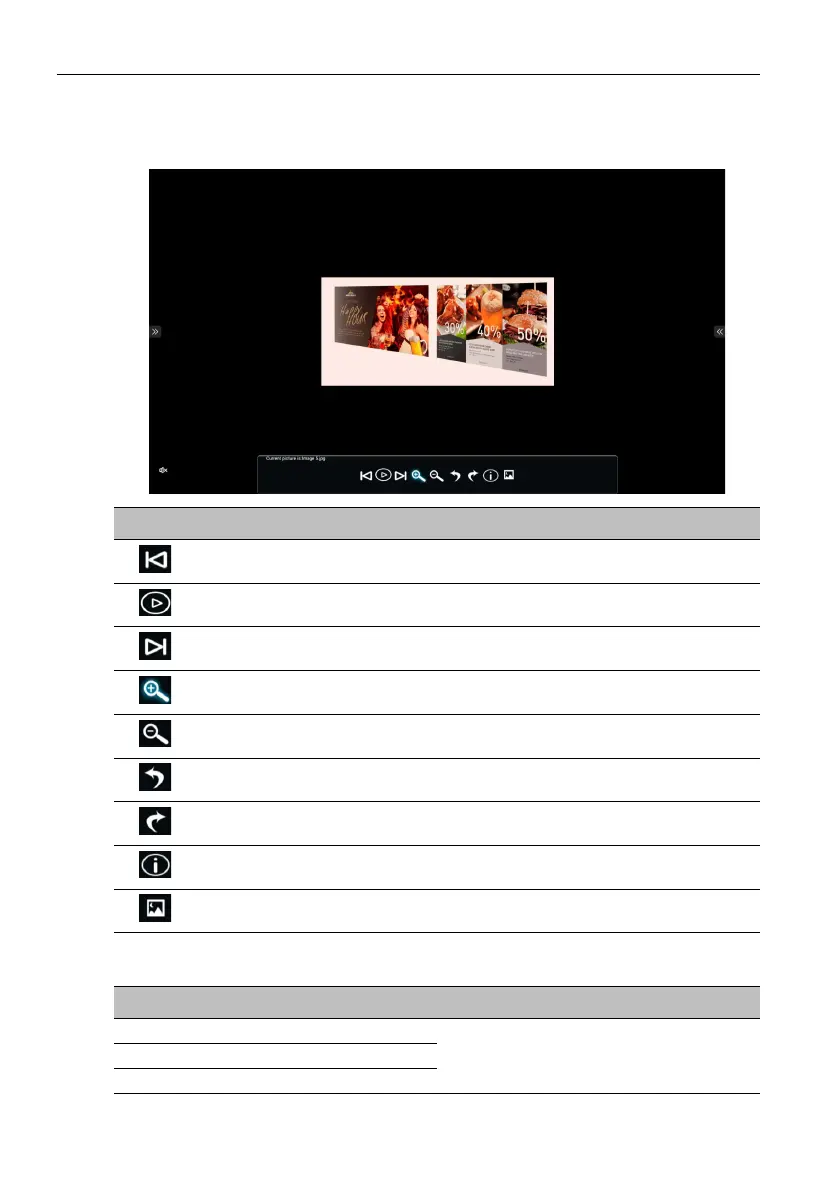
Select an image file you want to show on the display and perform any of the functions
shown on the screen.
Supported image format
Icon Description
Plays the previous image file.
Plays/Pauses the current playback.
Plays the next image file.
Magnifies the current image.
Shrinks the current image.
Rotates the current image counter-clockwise.
Rotates the current image clockwise.
Displays file information.
Sets the current image as wallpaper.
Image Resolution
JPEG
3840x2160PNG
BMP



 To Next Page