Apps58
Video
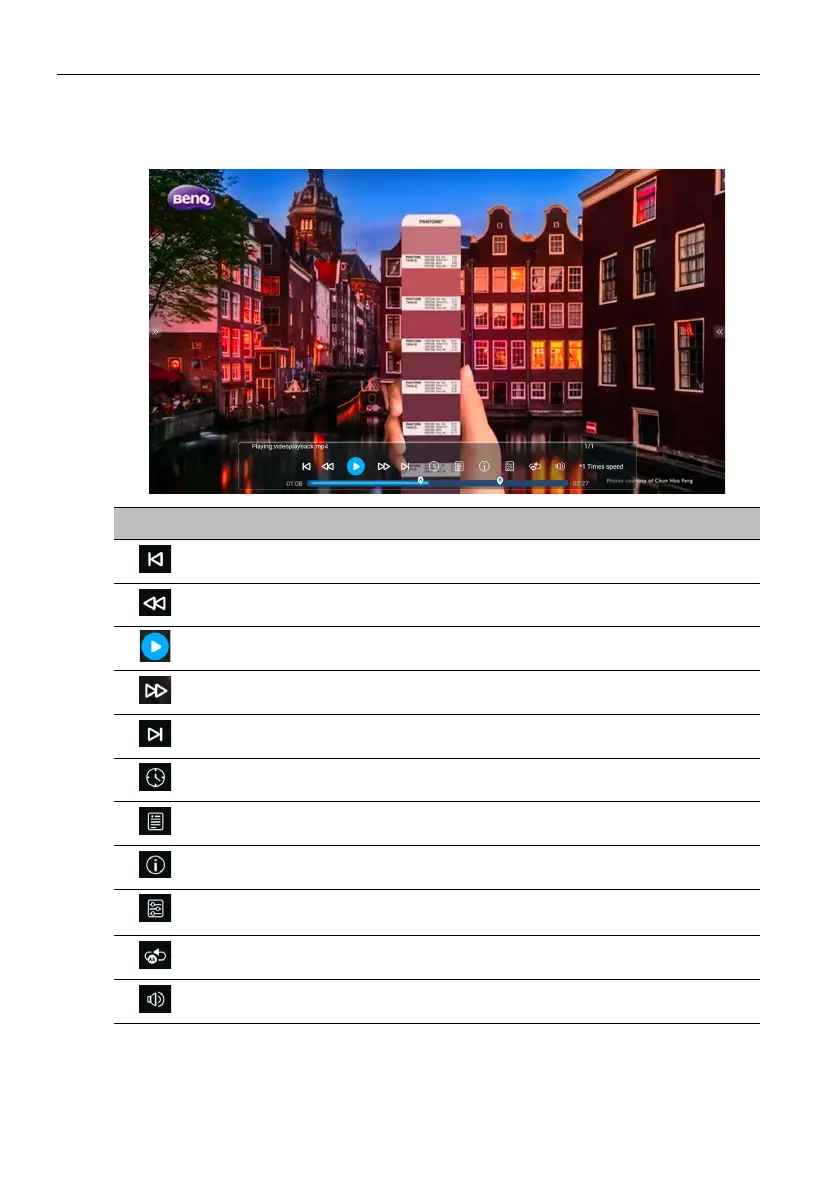
Select a video file you want to play on the display and perform any of the functions shown
on the screen.
Icon Description
Plays the previous video file.
Rewinds the video.
Plays/Pauses the current video file.
Fast forwards the video.
Plays the next video file.
Plays the next audio file.
Displays the content of the playlist.
Displays file information.
Opens the setting menu and allows you to configure the play settings for the
video file.
Allows you to loop a specified part of the video.
Adjusts the video volume.



 To Next Page