English
40
Switch off the projector
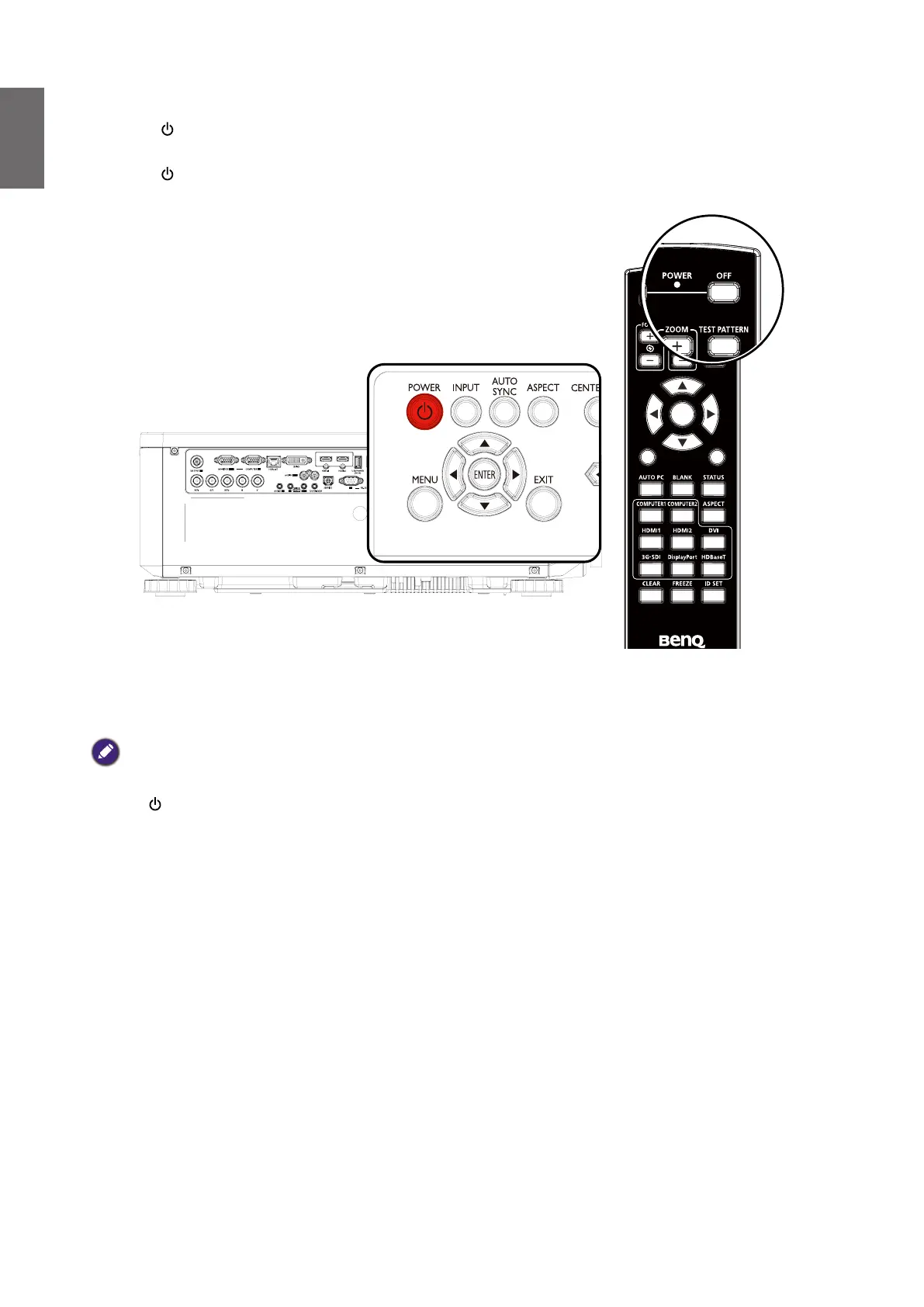
1. Press POWER or OFF and a conrmation message will appear prompting you.
If you don't respond in a few seconds, the message will disappear.
2. Press POWER or OFF a second time. The POWER indicator light ashes orange, the
projection light source shuts down.
EXIT
1
4
7
0
89
6
3
5
2
MENU
ENTER
3. Once the cooling process nishes, a "Power Off Ring Tone" will be heard. The POWER
indicator light is a steady orange and fans stop. Disconnect the power cord from the power
outlet.
Caution:
• To protect the light source, the projector will not respond to any commands during the cooling process.
• Press POWER or ON again to start the projector after the POWER indicator light turns orange.



 To Next Page