English
55
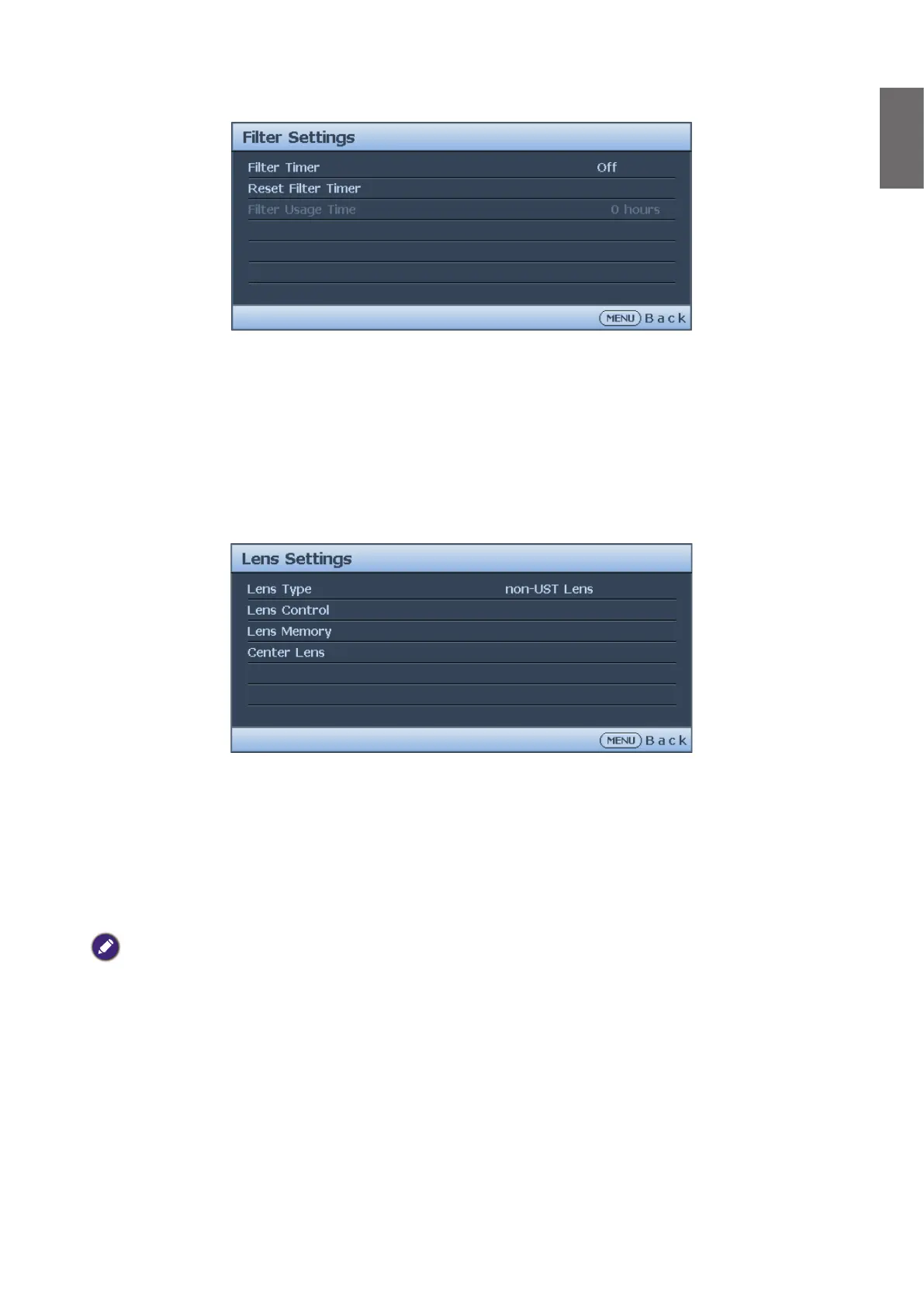
Filter Settings menu
• Filter Timer
Press
◄
/
►
to enable or disable lter timer.
• Reset Filter Timer
Press ENTER to reset the lter timer when the lter is replaced.
• Filter Usage Time
Displays the cureent number of hours the lter has been used.
Lens Settings menu
• Lens Type
This projector can be used with 9 different projection lenses; the initial projection position
of Ultra Short Throw (UST) Lens is different to other seven projection lenses. The projector
preset two initial projection positions for these two types accordingly, Center Lens function
can moves the lens to the initial position (center) automatically per the setting. Please set this
option to UST Lens if Ultra Short Throw Lens is installed in the projector, otherwise please
set it to non-UST Lens.
Note:
• There are two default positions, one is for regular zoom or xed focus lens (Non-UST), the reference position is 0%
of image width in horizontal shift and 0% of the image height in vertical shift; anther one is for Ultra Short Throw
Lens (UST), the default position is around 0% of image width in horizontal shift and 56% of image height in vertical
shift. When performing Center Lens functions, projector will move the lens to the default position according to
Lens type setting.
• If Ultra Short Throw Lens is installed and UST Lens is selected, you can perform Center Lens to move Lens to
initial projection position automatically
• If using Ultra Short Throw Lens and setting to Non-UST Lens, the lens will be moved to the position which is lower
than the default position of Ultra Short Throw Lens after performing Center Lens function, it causes the projected
image is blocked by the top cover of the projector. In this case, please perform the Lens shift function to move up
the Lens till the image can be projected normally.
• When using a zoom lens or a xed-focus lens, if the lens shift range is limited and cannot be projected normally,
make sure that the lens type is correctly setting as a non-UST lens, then perform the lens position centering
function and then re-adjust the lens. Control and other functions to get the correct projection picture.



 To Next Page