Operation 41
To cancel the timer, perform the following steps.
• Using the remote control.
Press Timer On and press / to highlight Off and press MODE/ENTER.
• Using the OSD menu.
1. Go to the SYSTEM SETUP: Basic > Presentation Timer menu and
highlight Off.
Press MODE/ENTER. A confirmation message displays.
2. Highlight Yes and press MODE/ENTER to confirm.
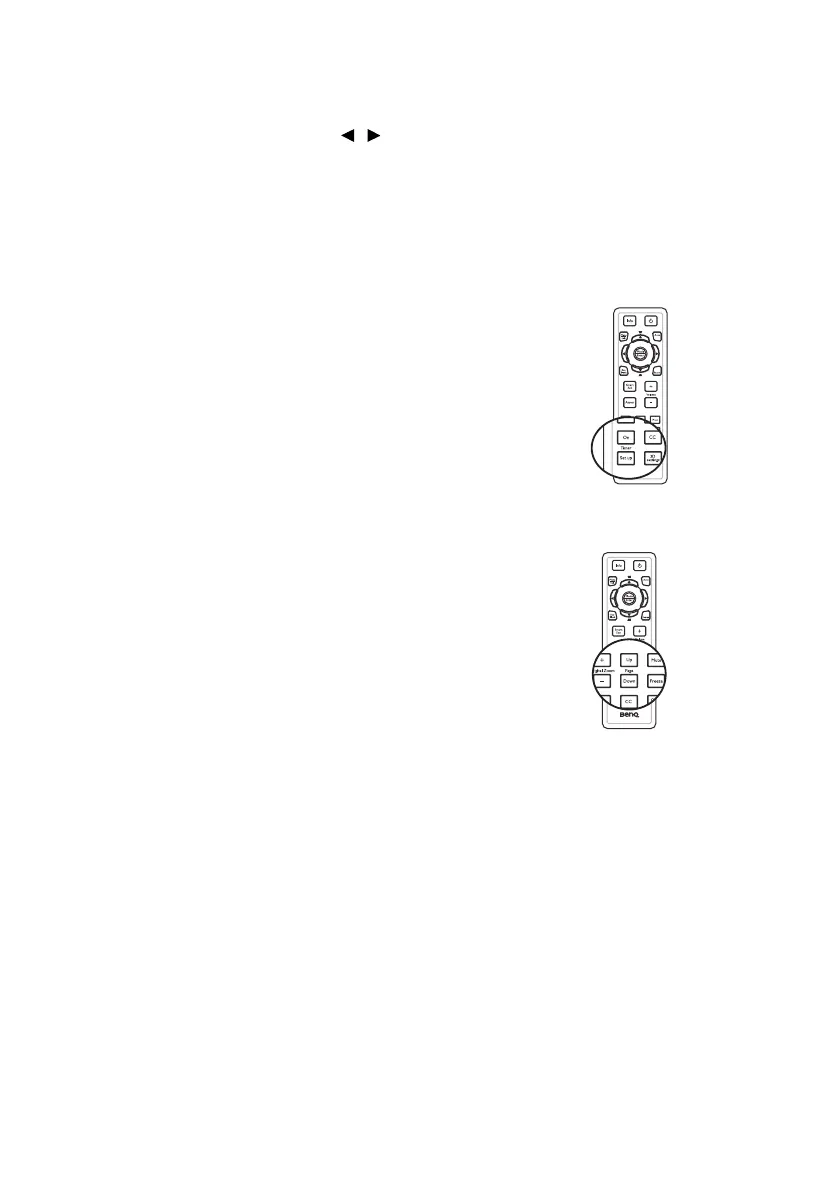
How to use the Timer On key?
Timer On is a multi-functional key.
• If the presentation timer is off, pressing this
key activates the timer.
• If the timer is already on, pressing this key
displays a confirmation message. You can
decide whether to restart, continue or turn
off the timer by following the on-screen
instruction.
Remote paging operations
Connect the projector to your PC or notebook
with a USB cable prior to using the paging
function.
You can operate your display software program
(on a connected PC) which responds to page up/
down commands (like Microsoft PowerPoint) by
pressing Page Up/Down on the remote
control.
If remote paging function doesn't work, check if
the USB connection is correctly made and the
mouse driver on your computer is updated to
the latest version.



 To Next Page