Parts of the display and their functions 21
Remote control usage tips
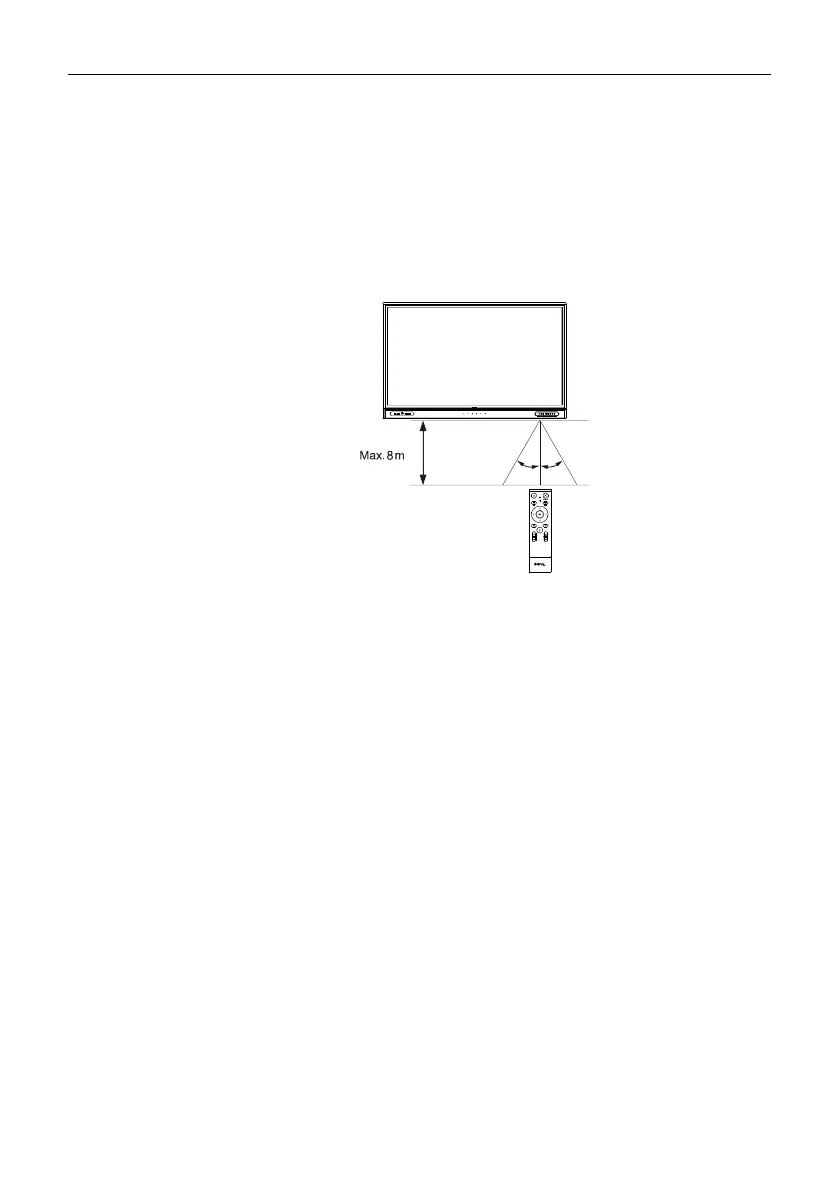
• To power on/off the display, aim the top front of the remote control directly at the
display’s remote control sensor window when you press the buttons.
• Avoid getting the remote control wet or store it in humid environments (like
bathrooms).
• If the display’s remote control sensor window is exposed to direct sunlight or strong
light, the remote control may not operate properly. In this situation, change the light
source, readjust the angle of the display, or operate the remote control from a location
closer to display’s remote control sensor window.
TYPE-C HDMI TOUCH-USB
PUBLIC-USB3.0
30° 30°



 To Next Page