Android system interface 53
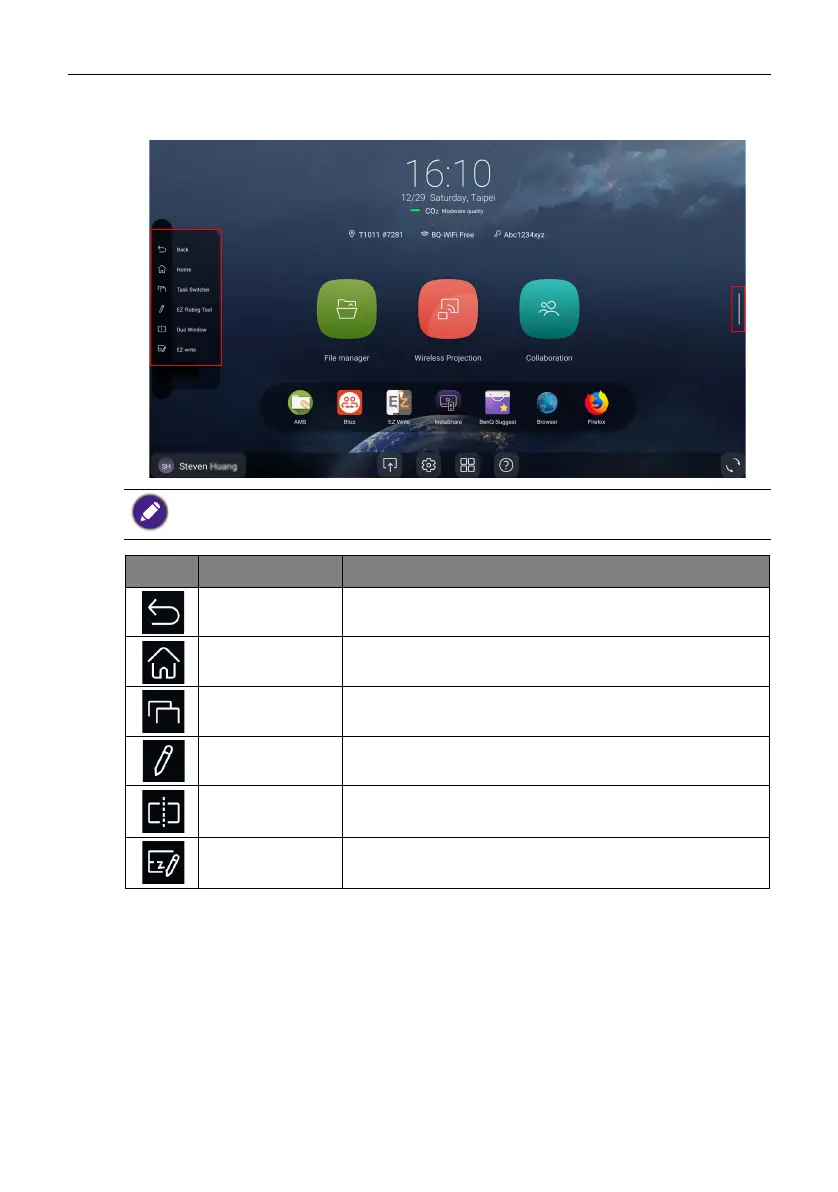
Side tool bar
Tap the side bars at the left or right of the main interface to access the side tool bar.
You may drag the tool to the top or bottom of the screen to suit your preference.
Icon Function Description
Back Tap to return to the previous screen.
Home Tap to return to the main interface.
Ta s k S w i t c h e r Tap to switch between recent apps and input sources.
EZ Floating
Tool
Tap to open the floating annotation tool.
Duo Window Tap to run two apps side by side (Available by 2022 Q2).
EZWrite Tap to enter EZWrite annotation software.



 To Next Page