Basic operations36
Using the touch screen
You can use the optical touch screen to control your operating system. The touch screen
can emulate basic mouse functions and supports multi-touch functions. The following
table shows a list of gestures you can use on the touch screen.
Make sure that you have installed the touch USB cable on the display to a computer.
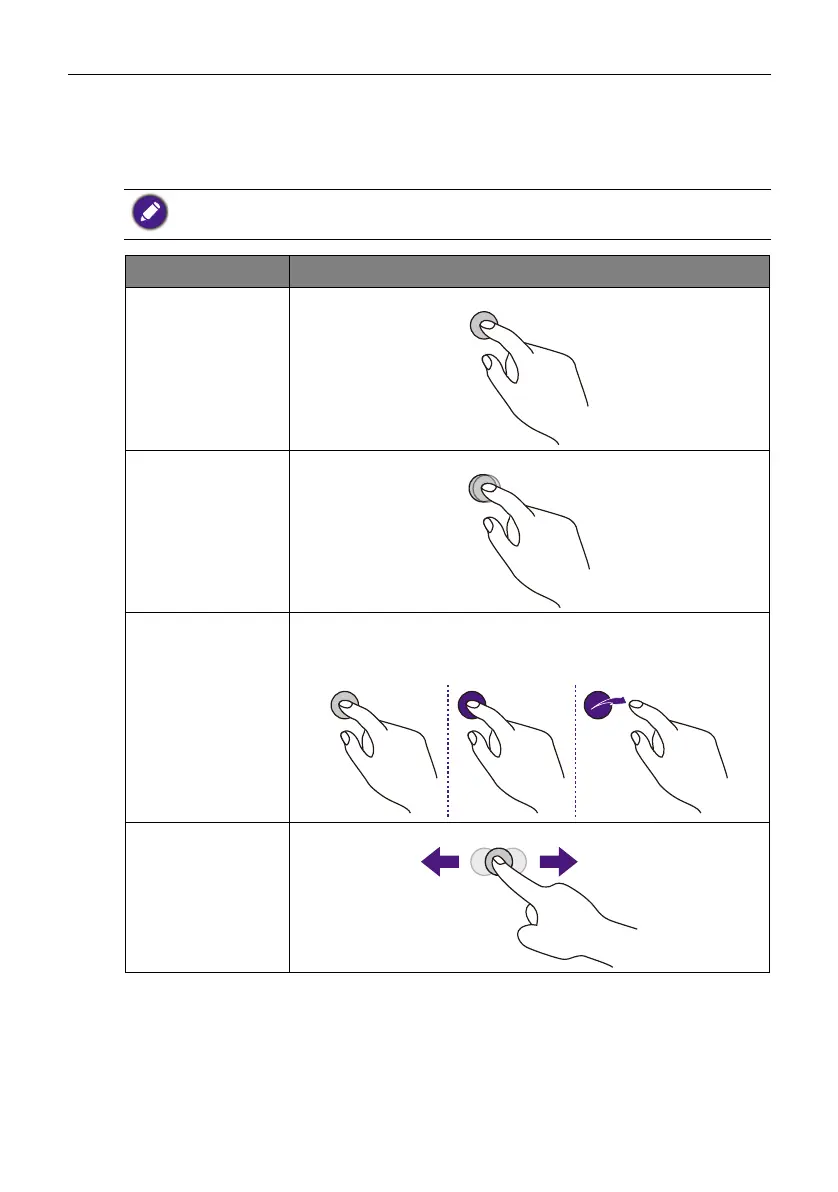
OS functions Gesture actions
Click
Tap the screen once.
Double-click
Tap the screen twice.
Right-click
1. Press on the target.
2. Hold and wait for a blue ring to appear.
3. Release your finger.
Drag
Drag one finger left or right.



 To Next Page