Menu operations 43
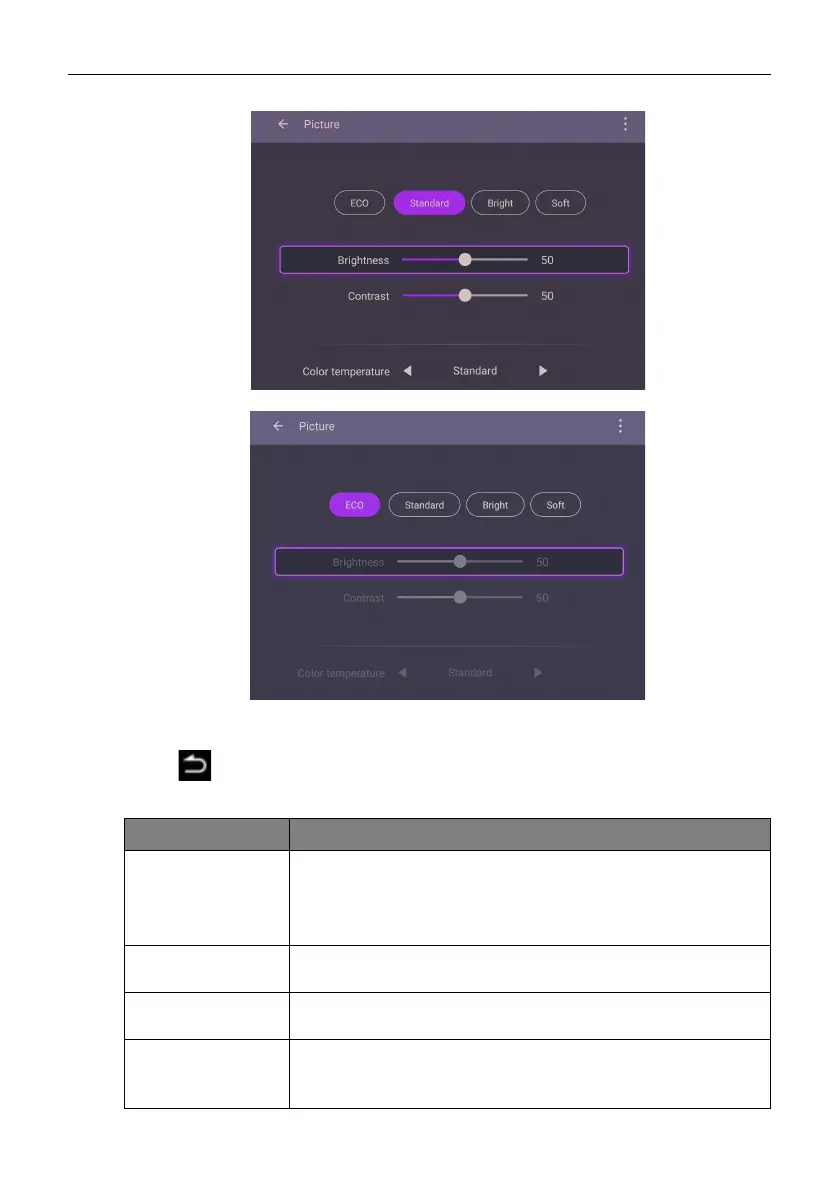
Picture settings
• Press /// on the remote control and press OK to confirm or directly click an
item.
• Press on the remote control or click a blank area outside the menu to exit the
menu.
Menu Description
Picture Mode • Press ///on the remote control or click a picture
mode. Options are Eco, Standard, Bright, and Soft.
• Under Eco mode, Brightness level, Contrast, and Color
Te m p e r a t u r e are locked.
Brightness level Under Standard, Bright, and Soft mode, press /on the
remote control or drag the knob to adjust the brightness.
Contrast Under Standard, Bright, and Soft mode, press /on the
remote control or drag the knob to adjust the contrast.
Color
Te m p e r a t u r e
Press ///on the remote control or click a preset color
temperature for the image. Options are Standard, Cool, and
Warm.



 To Next Page