Connection 19
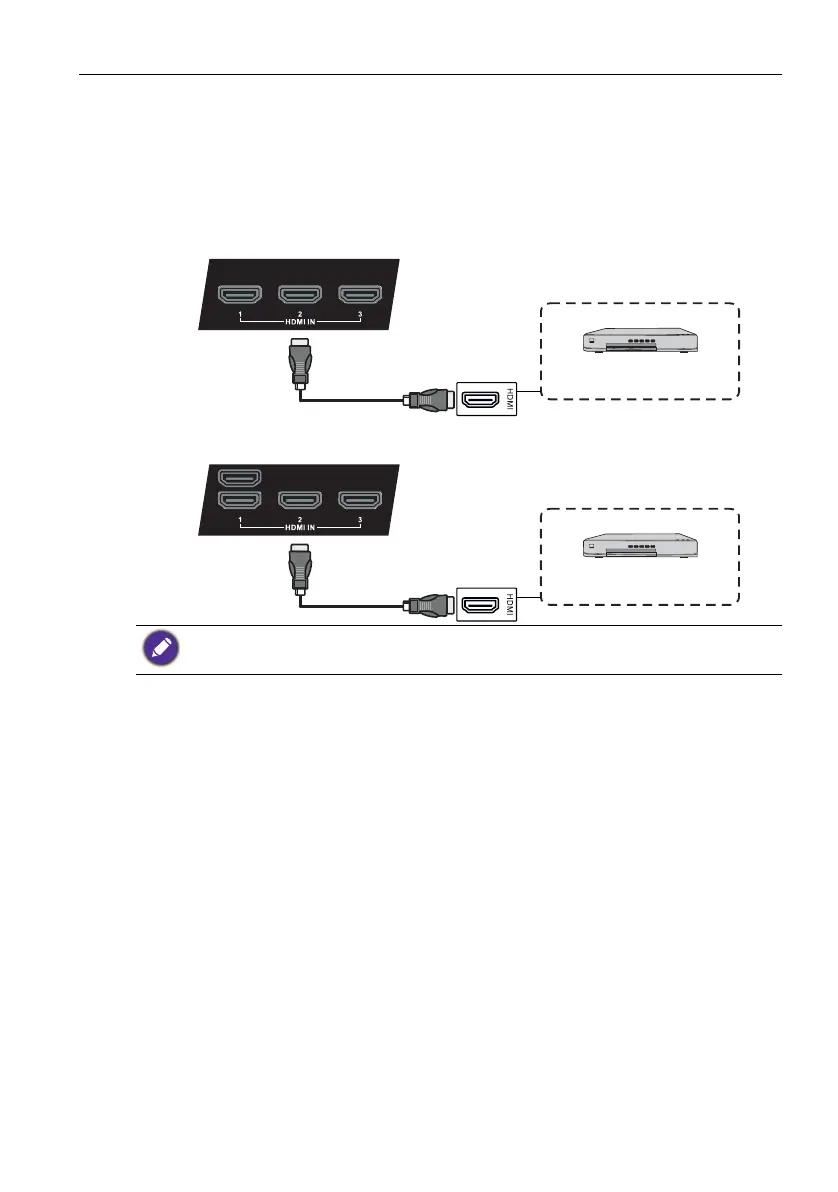
Connecting the digital inputs
1. Connect the HDMI output jack of a computer or A/V device (such as a VCR or DVD
player) to the HDMI input jack on the display using an HDMI cable.
2. To view images from this input, press the INPUT button on the remote control to
switch to respective input source.
• The applicable cable is not supplied and should be purchased separately.
• HDMI 4 is for RP840G only.
DVD player
HDMI cable
RP552/RP552H
DVD player
HDMI cable
RP840G



 To Next Page