Basic operations26
Switching input signals
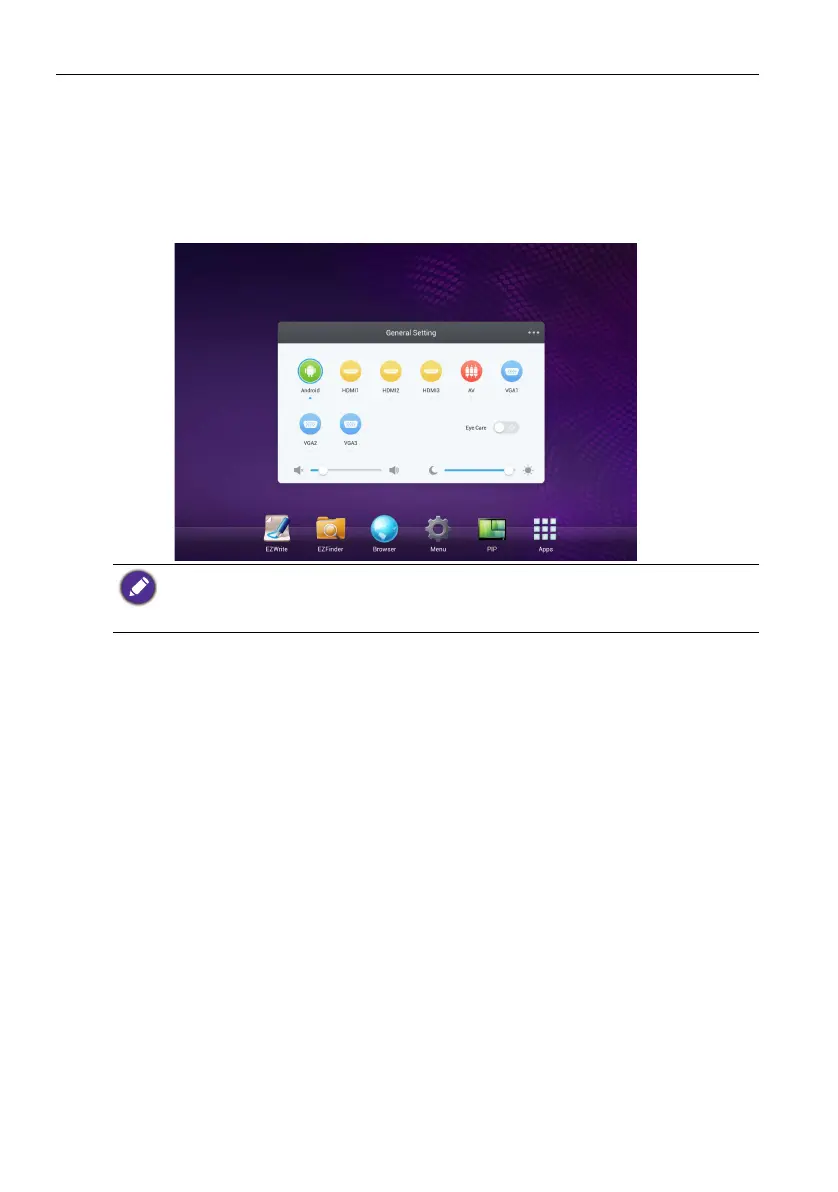
To select an input signal do either one of the following:
• Press the INPUT button on the remote control.
• Press the Menu button on the front panel.
• Drag the General Setting menu up from the bottom-center of the
screen.
Downloading software
BenQ may periodically release software updates that may add functions or applications
associated with your display. To check if there is a software update available for your
device or to obtain the software license key, please visit http://DSdownload.BenQ.com.
Then enter the serial number (can be found on the sticker attached on the back of the
display) and click OK to access the Software download page.
The users can keep pushing Eye Care on the OSD menu and Classroom under color temp.
Eye Care and Classroom will be shown with the low blue light mode and the flicker free
function. In Eye Care mode, the default value of Brightness and Contrast both are 50 and
the default value of Backlight is 10.



 To Next Page