Connection22
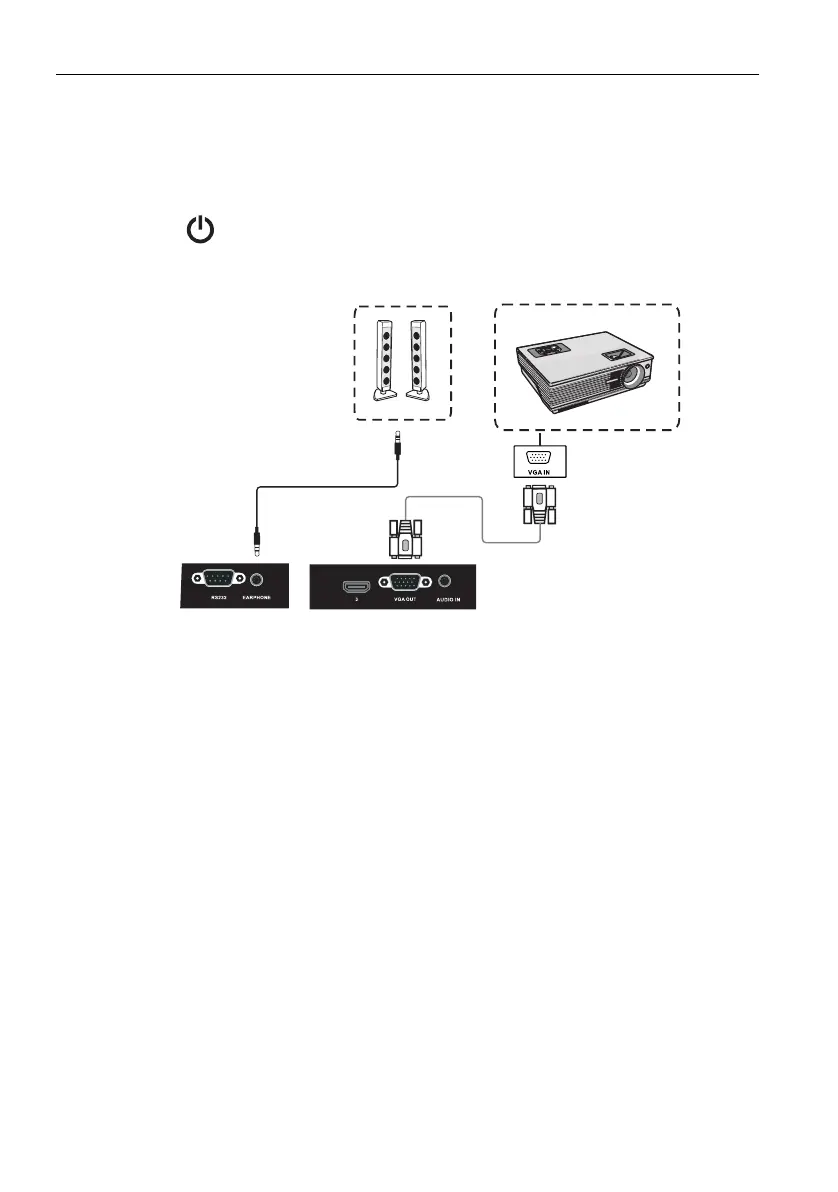
Connecting the video output
For computer:
1. Use D-Sub cable and audio cable to connect from VGA OUT and EARPHONE to
the respective jacks of the devices.
2. Plug in power cord, and switch power on.
3. Press on the remote control to turn on the display. Press INPUT to switch to
PC port. Set internal computer as VGA output or multi-screen display.
D-Sub (15-pin) cable
Audio cable



 To Next Page