Menu operations36
Menu operations
One touch menu operation
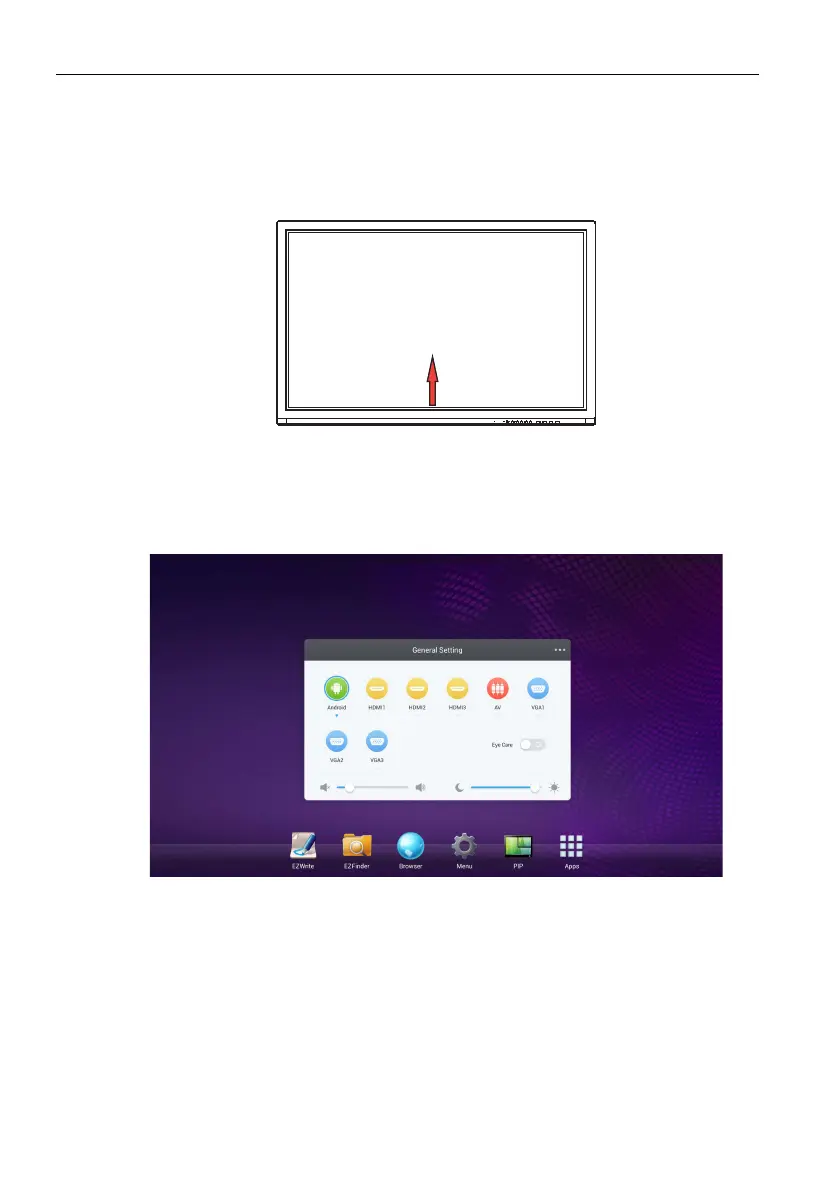
Drag the General Setting menu up from the bottom-center of the screen, as shown
below, to enter the General Setting menu.
Setting menu
Input setting
Press INPUT on the remote control, Menu on the front panel. or drag from the bottom
middle to the center of the screen to enter the General Setting menu.
• Press /// on the remote control and press ENTER on the remote control to
confirm, or directly click a desired input source.
• Press BACK on the remote control or click a blank area outside the menu to exit the
menu.
• Users can enable the Eye Care function on the OSD menu. Eye Care switches the
display low blue light mode and activates the flicker free function.
• Use the volume bar to adjust the volume for the display.
• Use the brightness bar to adjust the brightness for the display.



 To Next Page