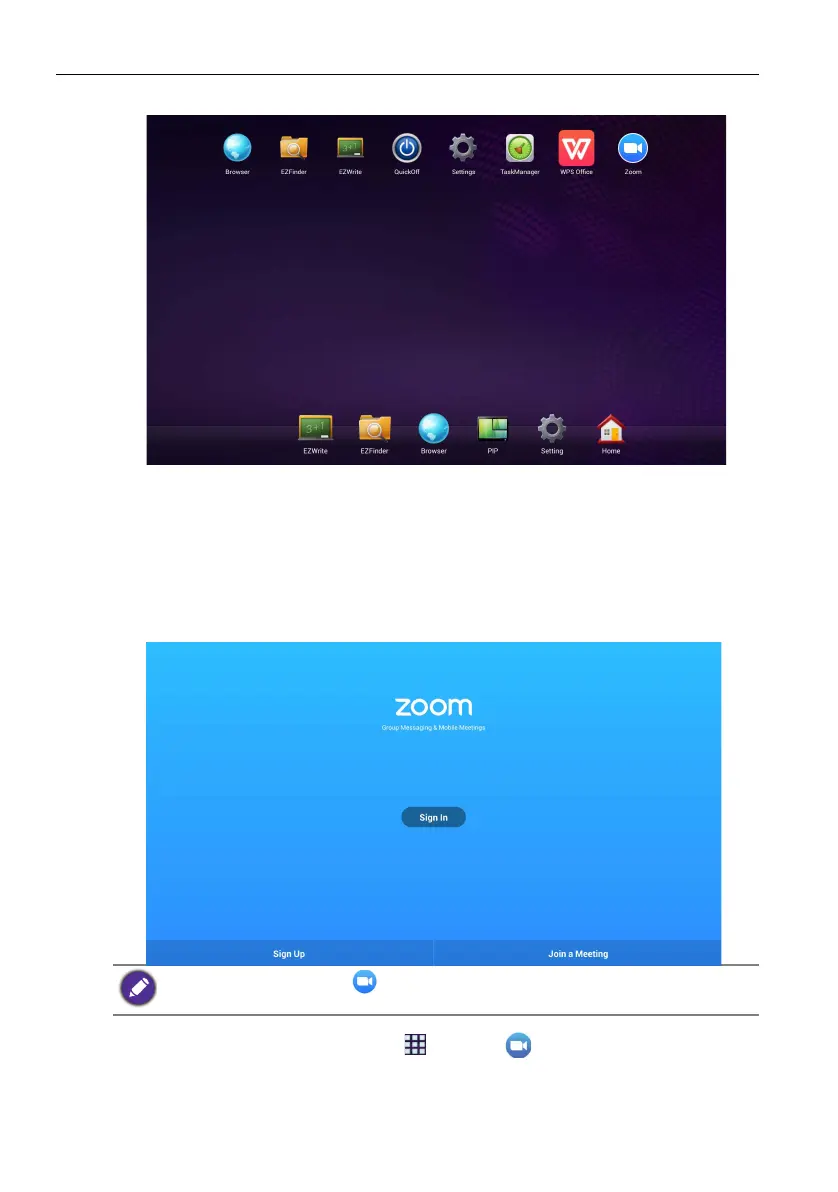
Android system interface66
Apps
• Other than preset apps located at the bottom of the screen, additional apps will be
displayed at the top of the screen when the App icon is clicked.
• For more information about Quickoff, please see Turning off the display by Quickoff
on page 25.
Zoom
Zoom is a video-conferencing app that is installed in the display by default. It allows you
to conveniently conduct video conference meetings with any other Zoom user.
1. On the home screen, select Apps ()>Zoom ()
2. Select Sign In if you want to create a new meeting, select Join a Meeting if you
want to join an already created meeting.
For free plan users of Zoom ( ), please visit https://zoomnow.tw/live/?benq to upgrade your
plan to a paid plan. Read more information on the website.



 To Next Page