Product information 71
Power
Supply 100 - 240V AC, 50/60 Hz
Consumption Max. 550W
Consumption Standby ≤ 0.5W
Environment
Operating Temperature
0 - 40
o
C
Operating Humidity 10 - 90% (without condensation)
Storage Temperature
0 - 40
o
C
Storage Humidity 10 - 90% (without condensation)
Display Orientation Landscape
Mechanical
Weight (kg) 107/135 (without packing / with packing)
Dimensions (W x H x
D) (mm)
1978*1187*96/ 2170*1370*320
Bezel Dimension - T/B/
L/R (mm)
40/62.5/40/40
Feature
Image setting YES
Source/Volume Control YES
Sharpness
enhancement
YES
Dimming control YES
10-bit color processing YES
De-Interlacing / comb
Filter
YES
Customized Classroom
Mode
YES
Blank screen YES
• Specifications and functions are subject to change without notice.
• To make sure that the touch function works properly on Mac OS X 10.10, you are
recommended to perform screen calibration first. Contact BenQ dealer for the required
calibration utility.
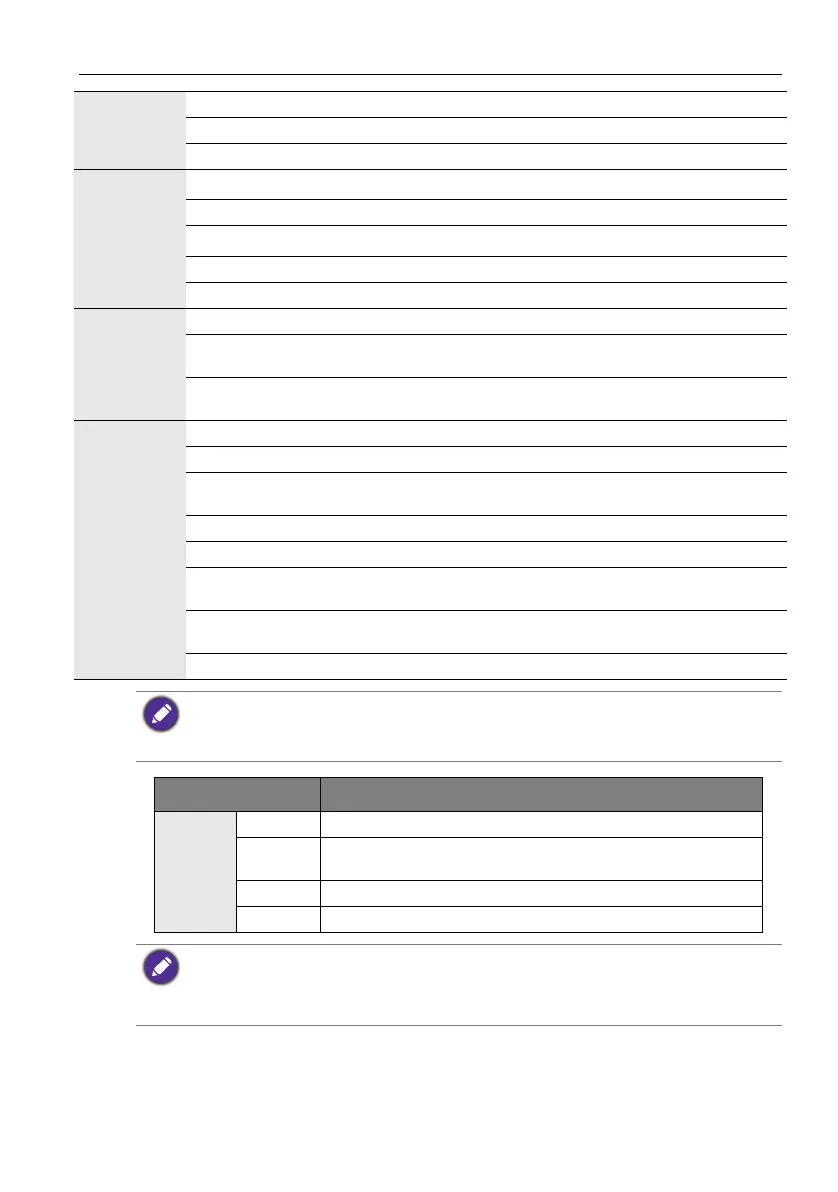
Item RP840G
System
CPU ARM Cortex A9 1.0G, Dual Core
System
Memory
1.5GB
Storage 8GB
OS Android 4.2.1
This Android 4.2.1 operating system is not standard Android, so access to Google Play™ is not
available. APK cannot be installed in the default location unless given permission by the
management units. Contact your BenQ dealer for the required support for the management
permission. Without management permission, installing function won’t work. There is no
guarantee that the self-installed APK can function normally.



 To Next Page