Basic operations 27
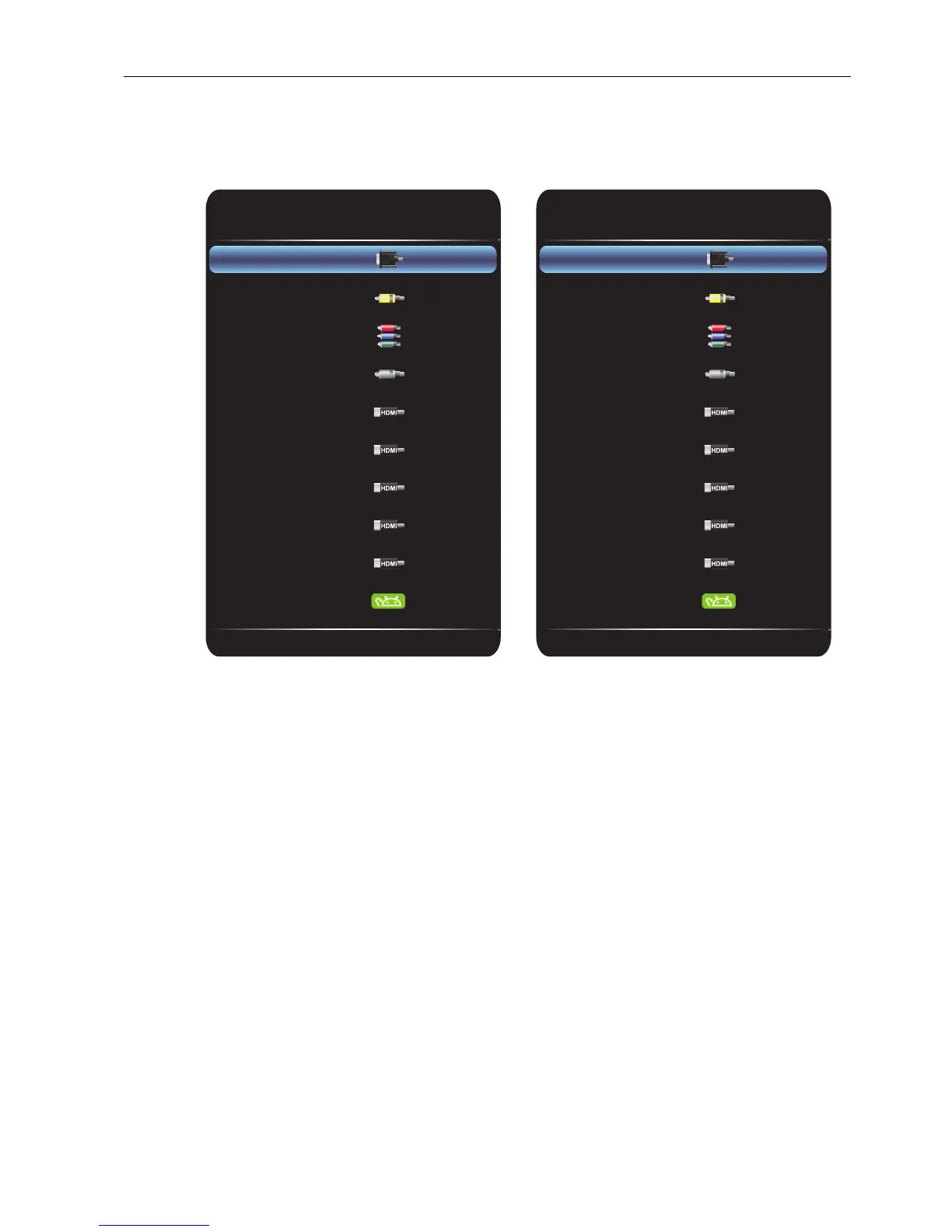
Switching input signals
Press the INPUT button on the remote control or the control panel to select an input
signal.
Downloading software
BenQ may periodically release software updates that may add functions or applications
associated with your display. To check if there is a software update available for your
device or to obtain the software license key, please visit http://DSdownload.BenQ.com.
Then enter the serial number (can be found on the sticker attached on the back of the
display) and click OK to access the Software download page.
RP652 and RP702 RP790



 To Next Page