Working with Android OS 39
Browser
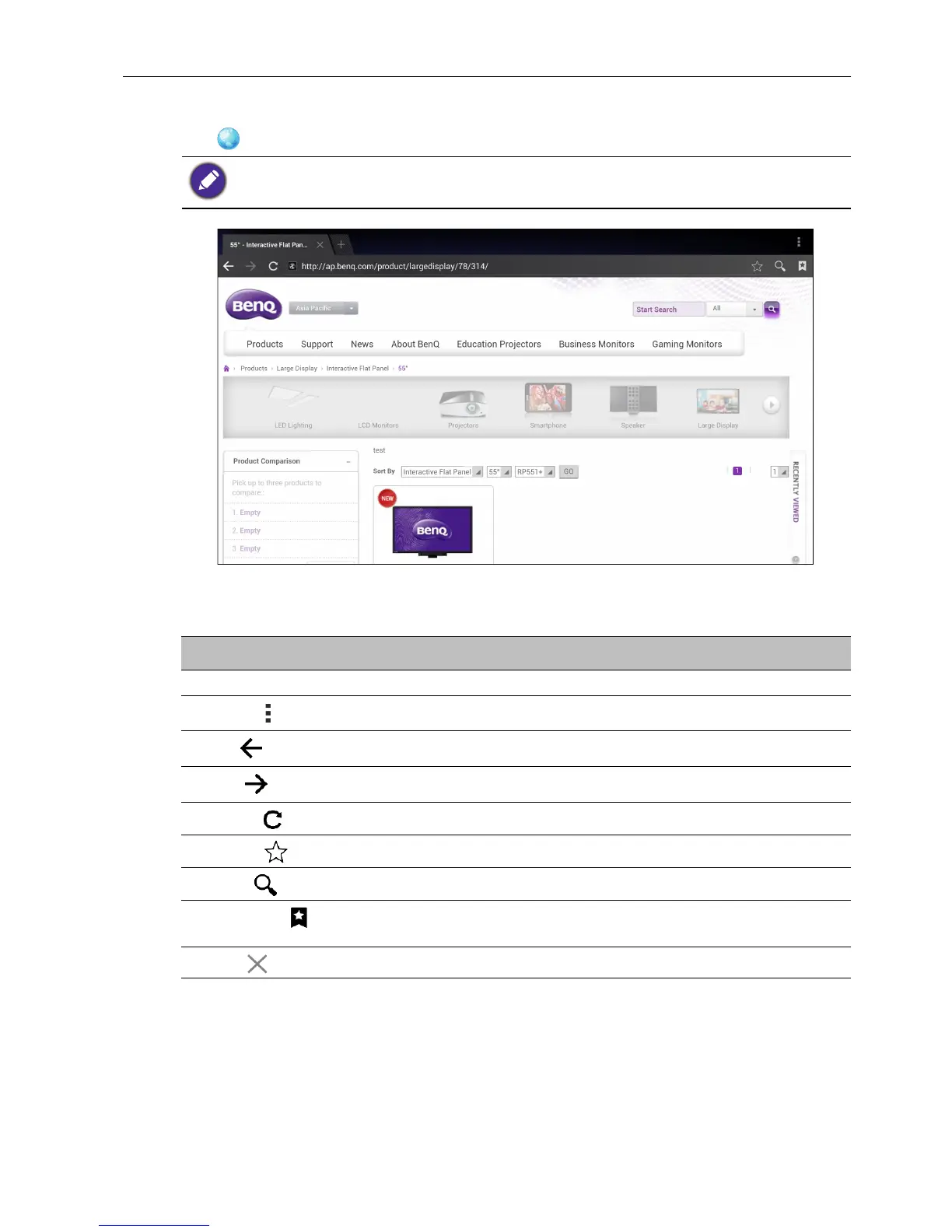
Tap to launch Browser. With this application, you can view web pages.
Tap the icon on the top panel to activate its function. Slide on the screen to scroll the
viewed page.
Before launching the application, make sure your display is properly connected to lnternet.
Function Description
Address Bar Enter the web page address to view the page.
Settings ( )
Tap to configure the browser settings.
Back ( )
Tap to return to the previous page.
Next ( )
Tap to go to the next page.
Refresh ( )
Tap to reload the current web page.
Favorite ( )
Tap to save the current web page to bookmarks.
Search ( )
Tap to search the Internet.
Bookmarks ( )
Tap to select bookmarks, history, or saved favorite web
pages to visit.
Close ( )
Tap to close the current web page.



 To Next Page