Working with Android OS 37
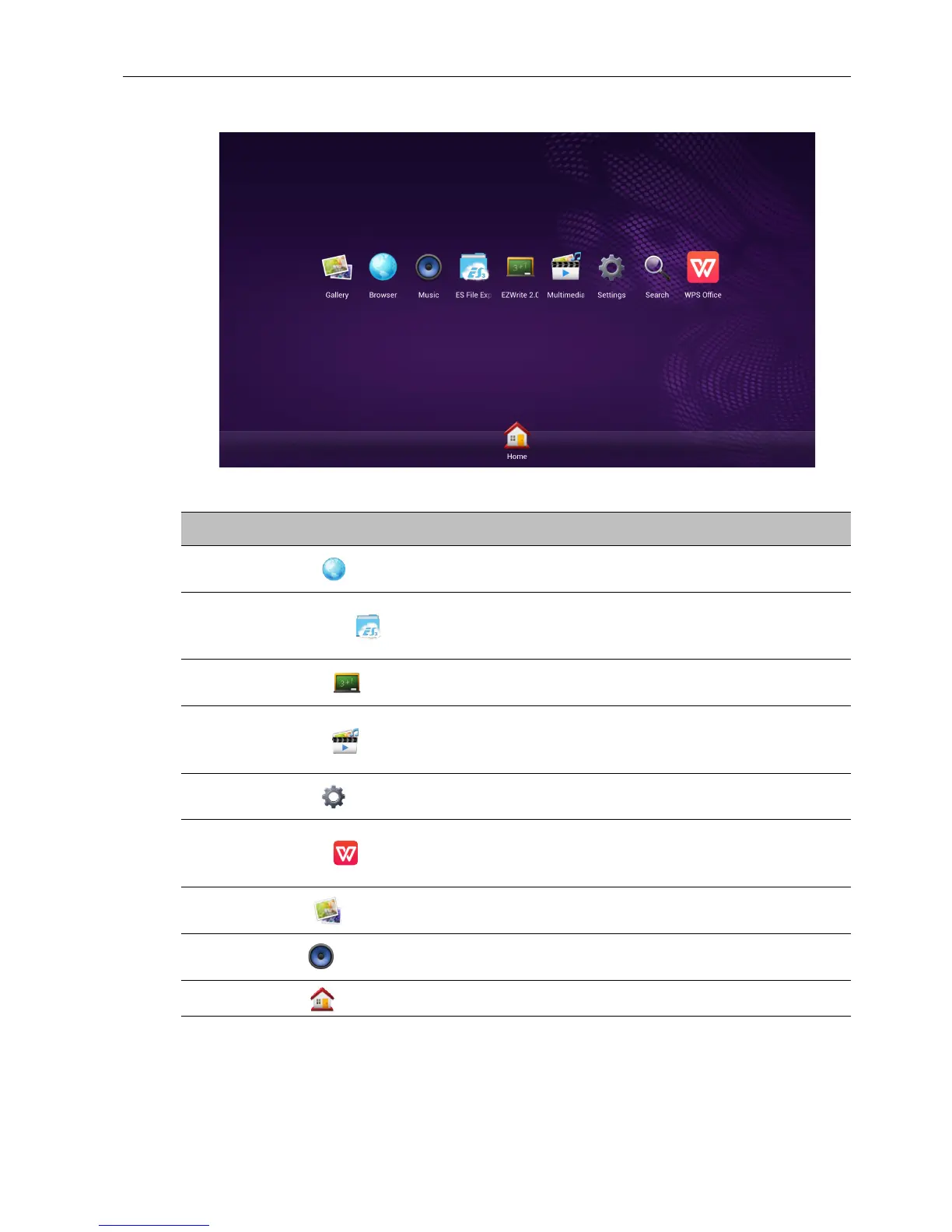
About All Apps
To operate the Android OS, use the touch pen or the buttons on the remote control.
Application Name/Icon Description
Browser ()
Accesses the web pages. Refer to Browser on page 39 for
more information.
ES File Explorer ()
Manages files stored on the internal memory and the
connected storage devices. Refer to ES File Explorer on
page 40 for more information.
EZWrite 2.0 ()
Draws on the screen or annotates the file. Refer to
EZWrite 2.0 on page 38 for more information.
Multimedia ()
Browses the multimedia files stored on the internal
memory or the connected storage devices. Refer to
Multimedia on page 42 for more information.
Settings ()
Configures the network and device settings. Refer to
Settings on page 44 for more information.
WPS Office ()
Reads and edits the files in Office formats, including,
*.doc, *.txt, *.xls, and *.ppt. Refer to WPS Office on page
41 for more information.
Gallery ()
Views the images stored on the internal memory or the
connected storage devices.
Music ()
Plays the audio files stored on the internal memory or the
connected storage devices.
Home ()
Tap to return the home screen.



 To Next Page