Working with Android OS36
Working with Android OS
To switch to the Android OS, do the following:
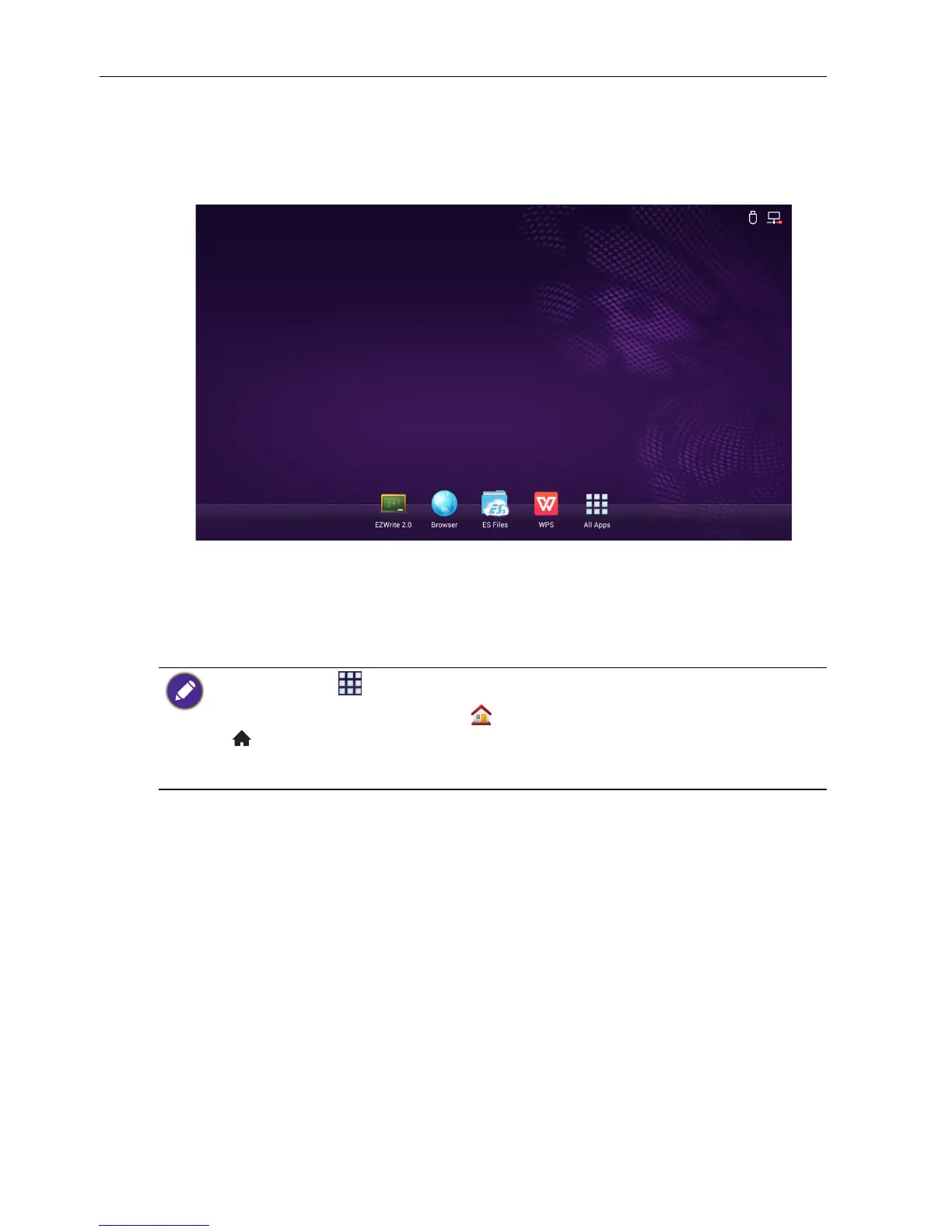
1. Press the INPUT button on the remote control/control panel and select ANDROID.
The home screen appears.
2. Select the application that you want to access.
• Using the touch pen: Tap your desired application icon to launch the application.
• Using the remote control: Press the or button to select your desired
application and press the OK button to launch the application.
• Select All Apps ( ) to access to all applications.
• To return to the home screen, tap the icon on the screen or press the Home button
() on the remote control.
• Since the system does not support any third party applications, user may be unable to open an
application even if the installation has completed successfully.



 To Next Page