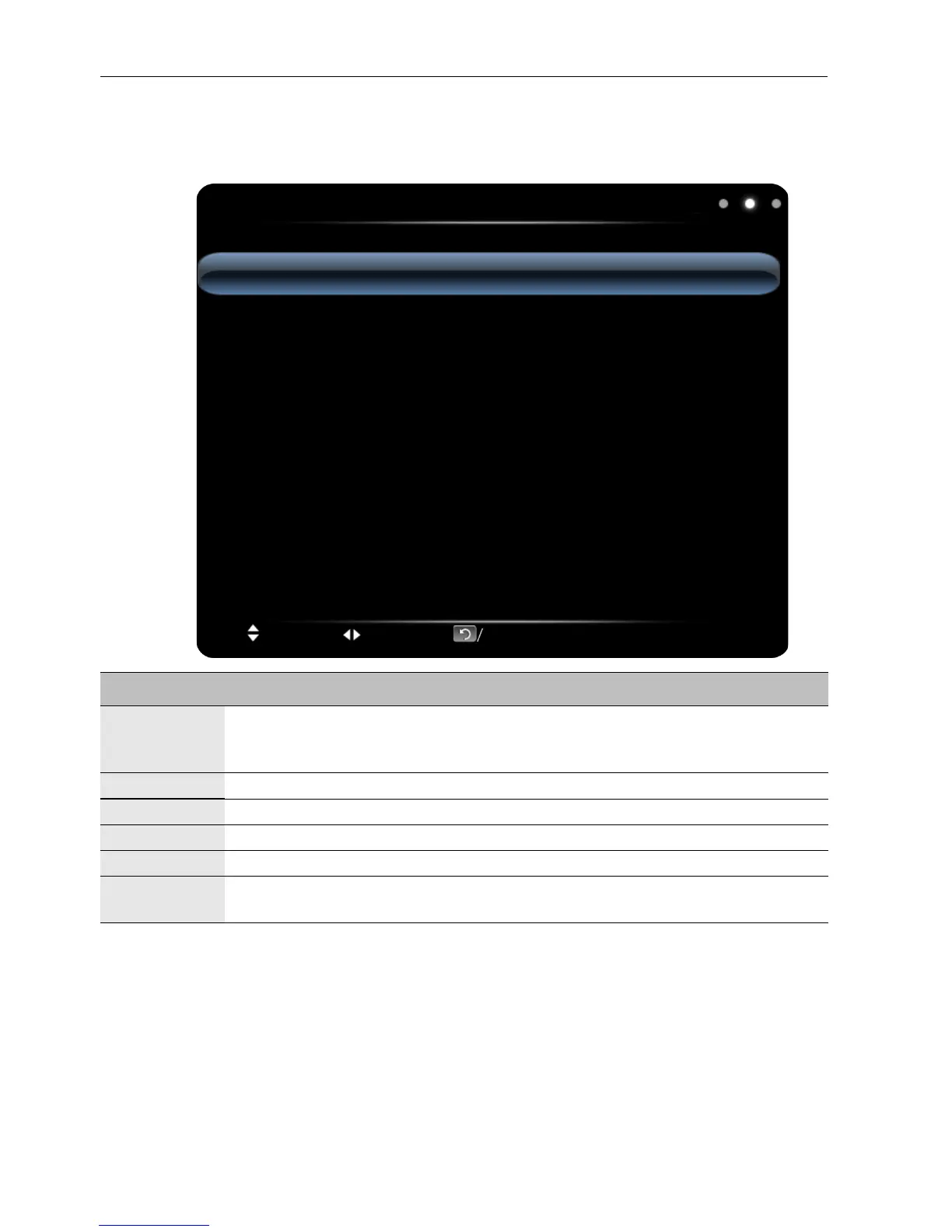
The OSD (On-Screen Display) menu34
Sound menu
Screen images and icons in this document are for your reference only. Actual displays may
vary.
Name Description
Sound Mode
Selects a preset audio mode. Available modes are Standard, Music, Movie,
and User. The properties such as Low Pitch and High Pitch can be
adjusted if the mode is set to User.
Low Pitch Adjusts the bass level.
High Pitch Adjusts the treble level.
Balance Adjusts the sound balance between the left and right speakers.
Surround Enables/disables the surround sound feature.
Coaxial
Output
Sets the type of digital output to an external audio system. Available options
are PCM or RAW.



 To Next Page