Working with Android OS44
Settings
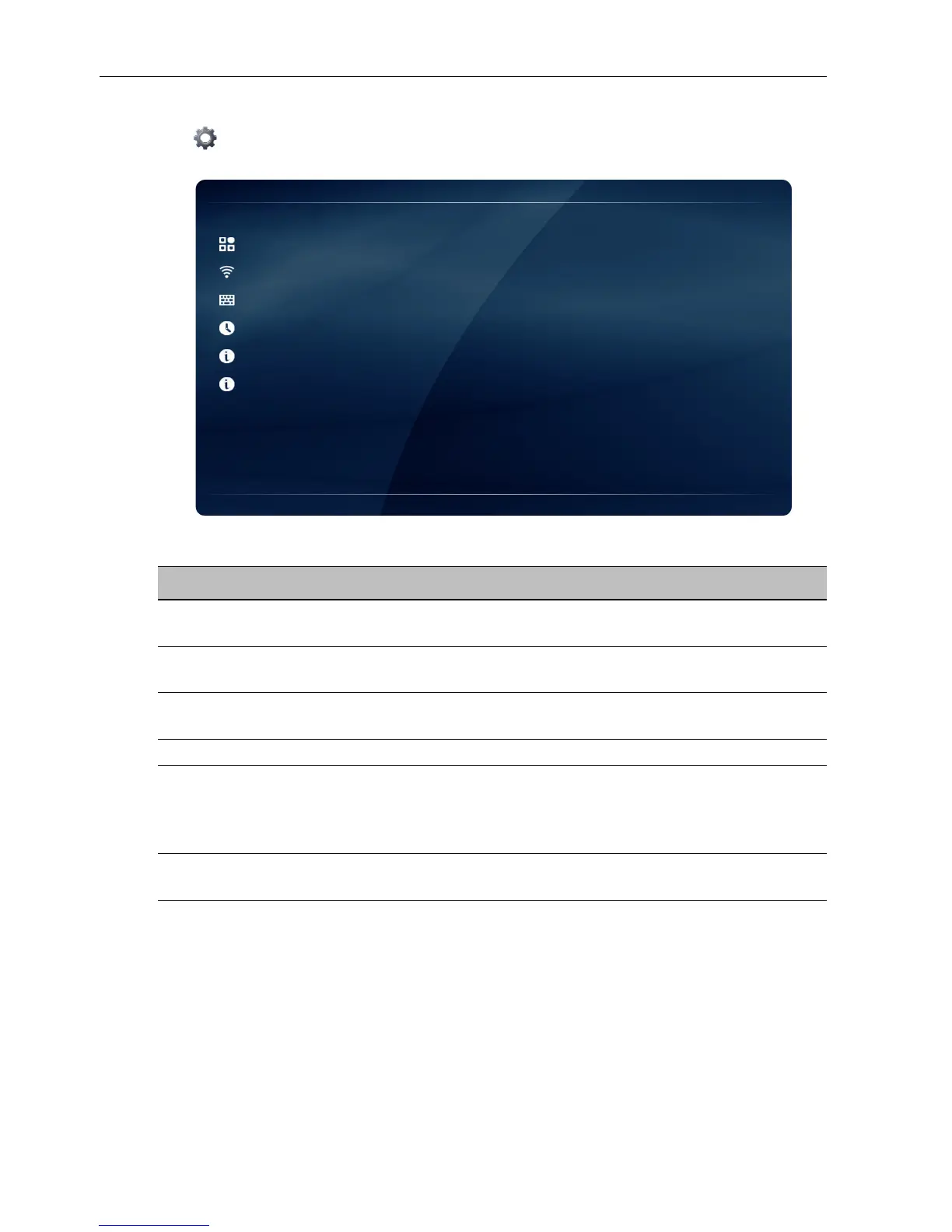
Tap to launch Settings. With this application, you can view and configure the
settings of your device.
Tap the desired menu option to enter its submenu.
Menu Option Description
Application Manager Selects this option to view the total and available storage
(internal memory or USB disk drive) space.
Network Selects this option to view the network status or
configure the network connection.
Language & input Selects this option to change the system language or
configure the input method settings.
Date & Time Selects this option to set the date and time.
Backup / Update Selects this option to update the software, view the basic
system information (i.e. software version, system time, IP
address, MAC address, and memory storage) or restore
all parameters to the factory default settings.
About Selects this option to view the model name and other
hardware/software information.



 To Next Page