Menu operations 29
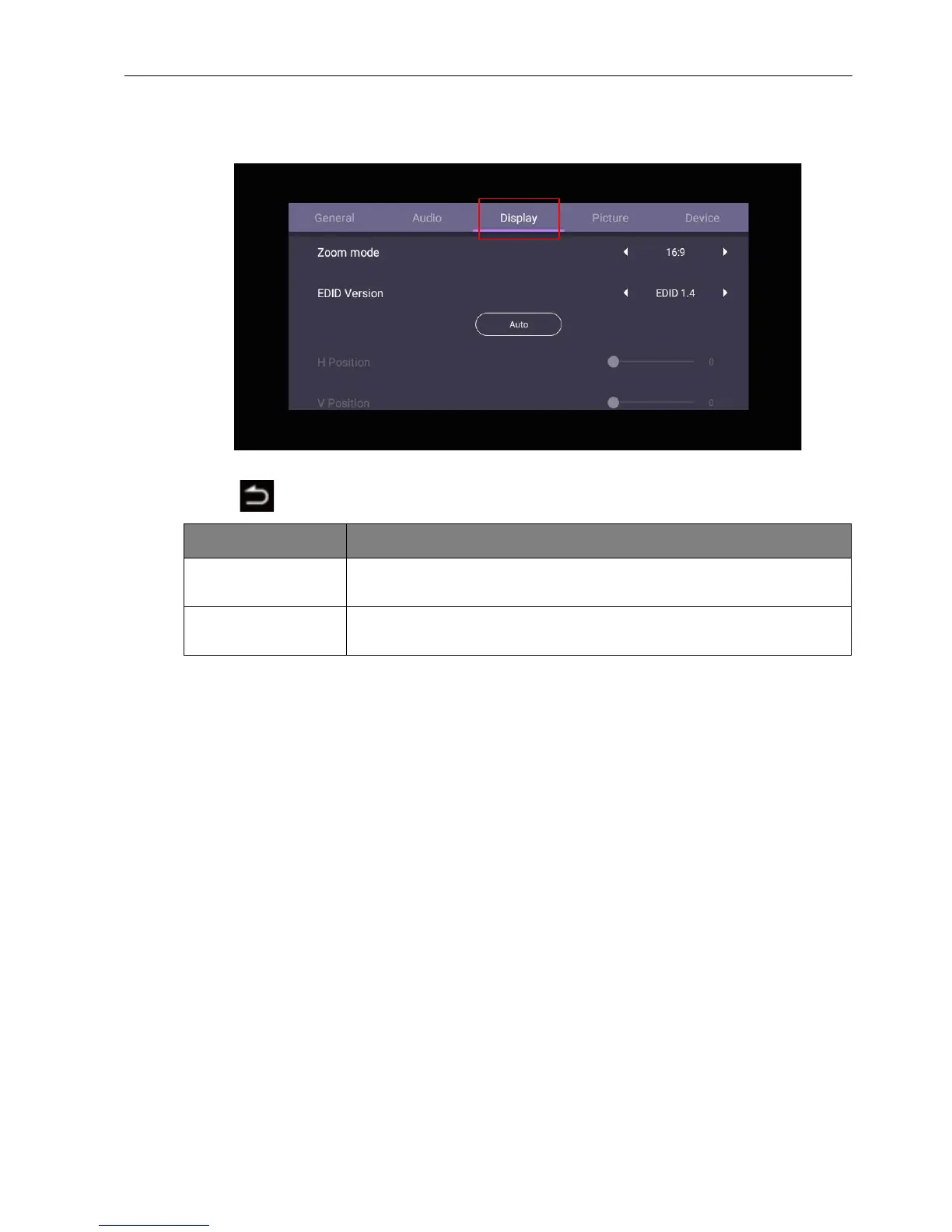
Display settings
Leave the Android system and connect to other input sources like VGA or HDMI. Then
go to Display.
• Press /// on the remote control and press OK to confirm.
• Press on the remote control to exit the menu.
• The display automatically enters energy saving mode when no one is detected within
the sensor’s range.
• The display automatically turns off when no one is detected within the sensor’s range
for a long period of time.
Menu Description
Zoom mode Press / on the remote control. Options are 16:9, 4:3, 1:1,
Full. You can also select Auto to adjust the image.
EDID Version Press / on the remote control and press OK to confirm.
Options are EDID 1.4, EDID 2.0.



 To Next Page