Menu operations30
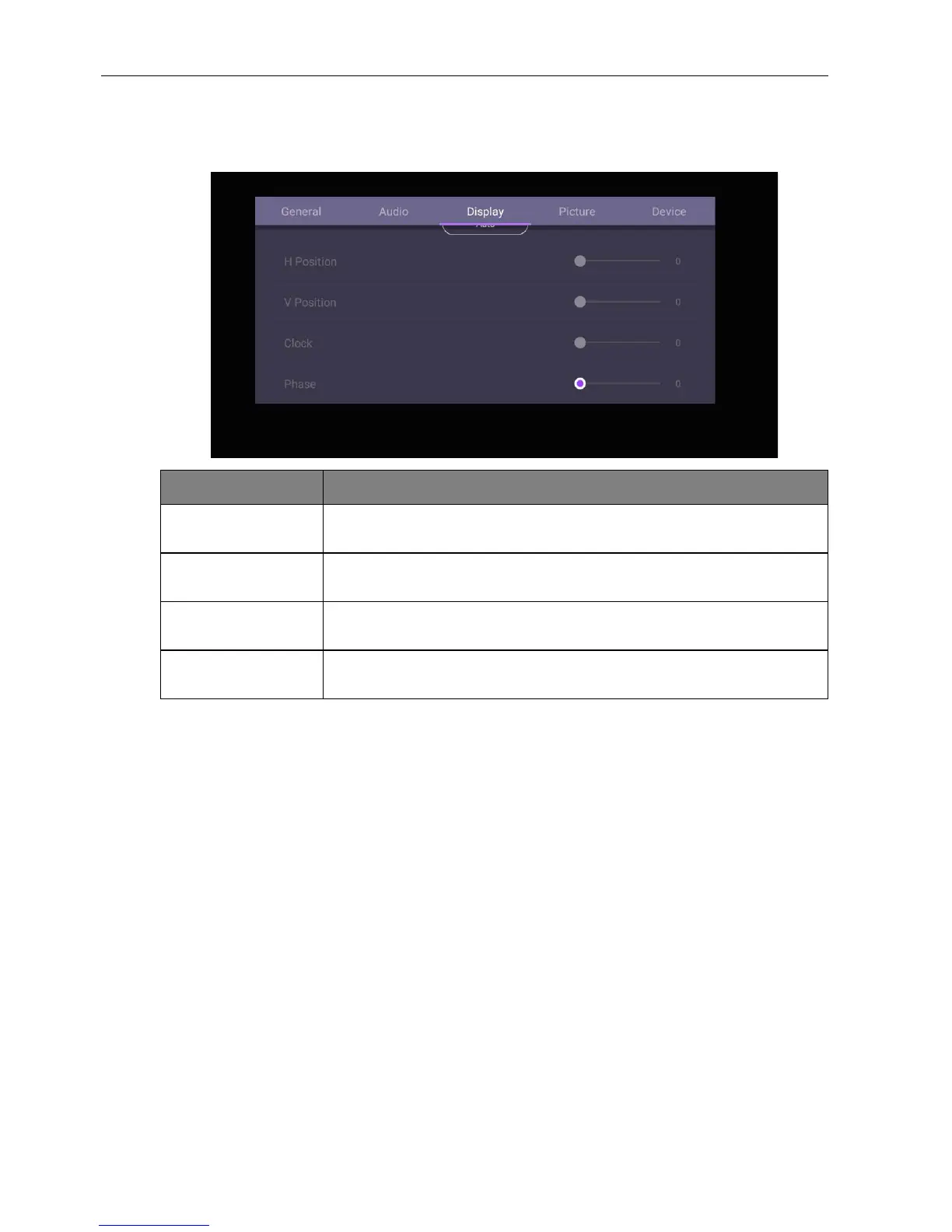
Adjust settings (VGA-only)
Use the H. Position, V. Position, Clock, and Phase functions to manually adjust the
image.
Menu Description
H. Position Press / on the remote control to move the screen to the left
or right.
V. Position Press OK on the remote control to lock or unlock the remote
control IR sensor on the front panel of the display.
Clock Clock adjusts how wide the input pixels are. Press / on the
remote control to make adjustments.
Phase Phase is in relation to frequency. Press / on the remote
control to make adjustments.



 To Next Page