33 Menu operation
3. Main menu: Display
Structure
Function descriptions
Menu Options
Aspect Ratio Auto/4:3/16:9
Auto Source
Search
Off/On
Source Rename HDMI-1/HDMI-2
3D
3D Mode
Auto/Frame Sequential/Frame
Packing/Top-Bottom/Side by Side/Off
3D Sync Invert Disable/Invert
HDMI Settings
HDMI Format Auto/Limited/Full
HDMI Equalizer HDMI-1/HDMI-2 Auto/1/2/3/4/5
HDMI EDID HDMI-1/HDMI-2 Enhanced/Standard
Electronics Control Off/On
Audio Return +
(HDMI-2)
Off/LPCM/RAW/RAW+
Power On Link
Off/From Device
Power Off Link
Off/From Projector
Reset Display Reset/Cancel
Menu Descriptions
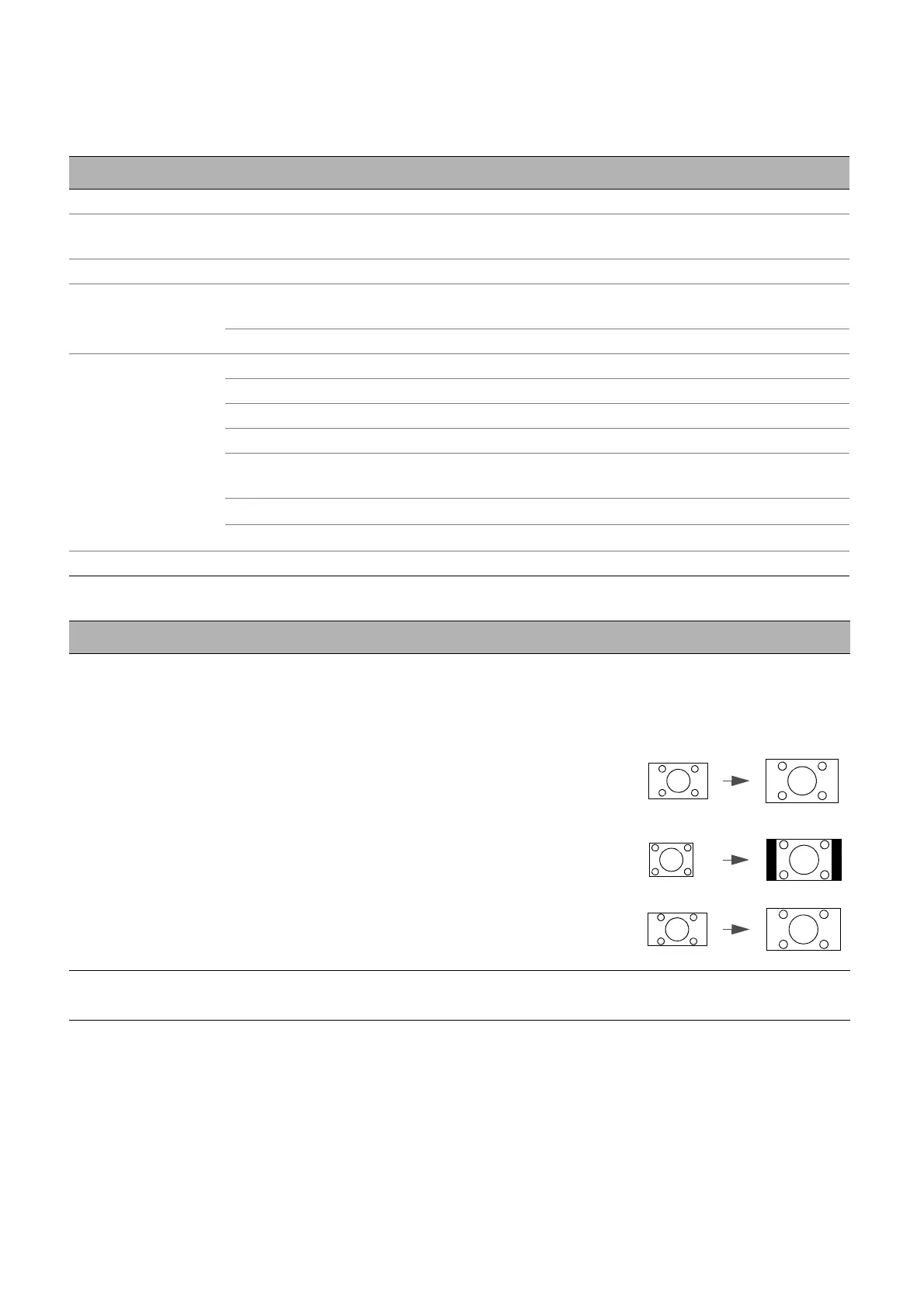
Aspect Ratio
There are several options to set the image's aspect ratio depending on your
input signal source.
This image adjustment might impact latency in Game Mode. We suggest
setting Aspect Ratio to Auto to enjoy low latency gaming.
• Auto: Scales an image proportionally to
fit the projector's native resolution in its
horizontal or vertical width.
• 4:3: Scales an image so that it is
displayed in the center of the screen with
a 4:3 aspect ratio.
• 16:9: Scales an image so that it is
displayed in the center of the screen with
a 16:9 aspect ratio.
Auto Source
Search
Allows the projector to automatically search for a signal.



 To Next Page