39 Menu operation
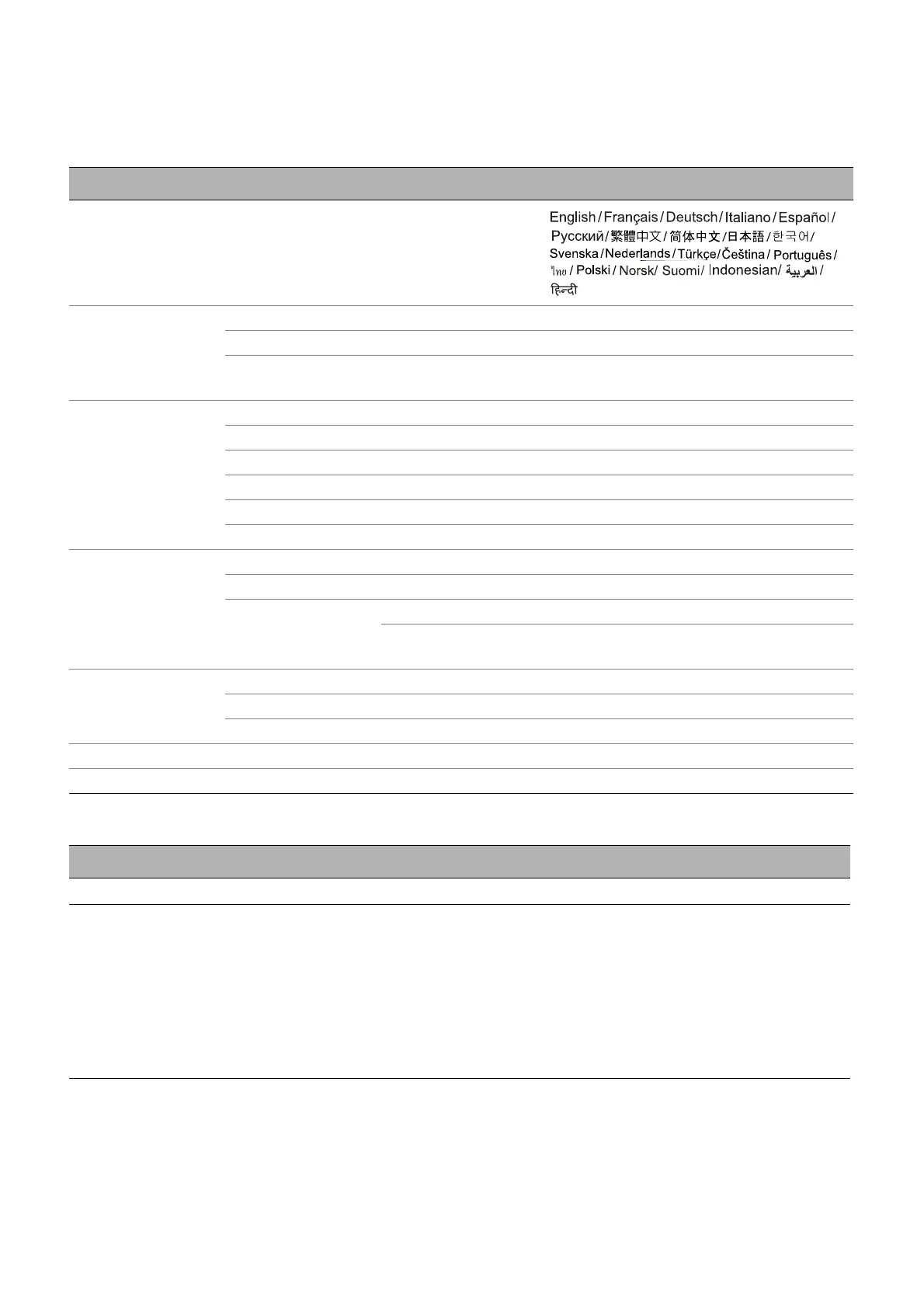
5. Main menu: System
Structure
Function descriptions
Menu Options
Language
Menu Settings
Menu Type Basic/Advanced
Menu Display Time 5 sec/10 sec/20 sec/30 sec/Always
Menu Position
Center/Top-Left/Top-Right/
Bottom-Right/Bottom-Left
Light Source
Information
Light Source Usage Time
Normal Mode
ECO Mode
Dynamic Mode
Equivalent Light Hours
Refer to UM for detailed formula
Operation Settings
Reminder Message Off/On
LED Indicator Off/On
Power On/Off
Settings
Direct Power On Off/On
Auto Power Off
Disable/3 min/10 min/15 min/
20 min/25 min/30 min
Security Settings
Panel Key Lock Off/On Yes/No
Change Password
Power On Lock
Factory Default Reset/Cancel
Reset System Reset/Cancel
Menu Descriptions
Language Sets the language for the On-Screen Display (OSD) menus.
Menu Settings
• Menu Type
Sets the OSD menu type according to your needs.
• Menu Display Time
Sets the length of time the OSD will remain active after your last key press.
• Menu Position
Sets the On-Screen Display (OSD) menu position.



 To Next Page