25 Operation
Switching input signal
The projector can be connected to multiple devices at
the same time. However, it can only display one full
screen at a time. When starting up, the projector
automatically searches for the available signals.
Be sure the Advanced menu - Display > Auto Source
Search menu is On if you want the projector to
automatically search for the signals.
To select the source:
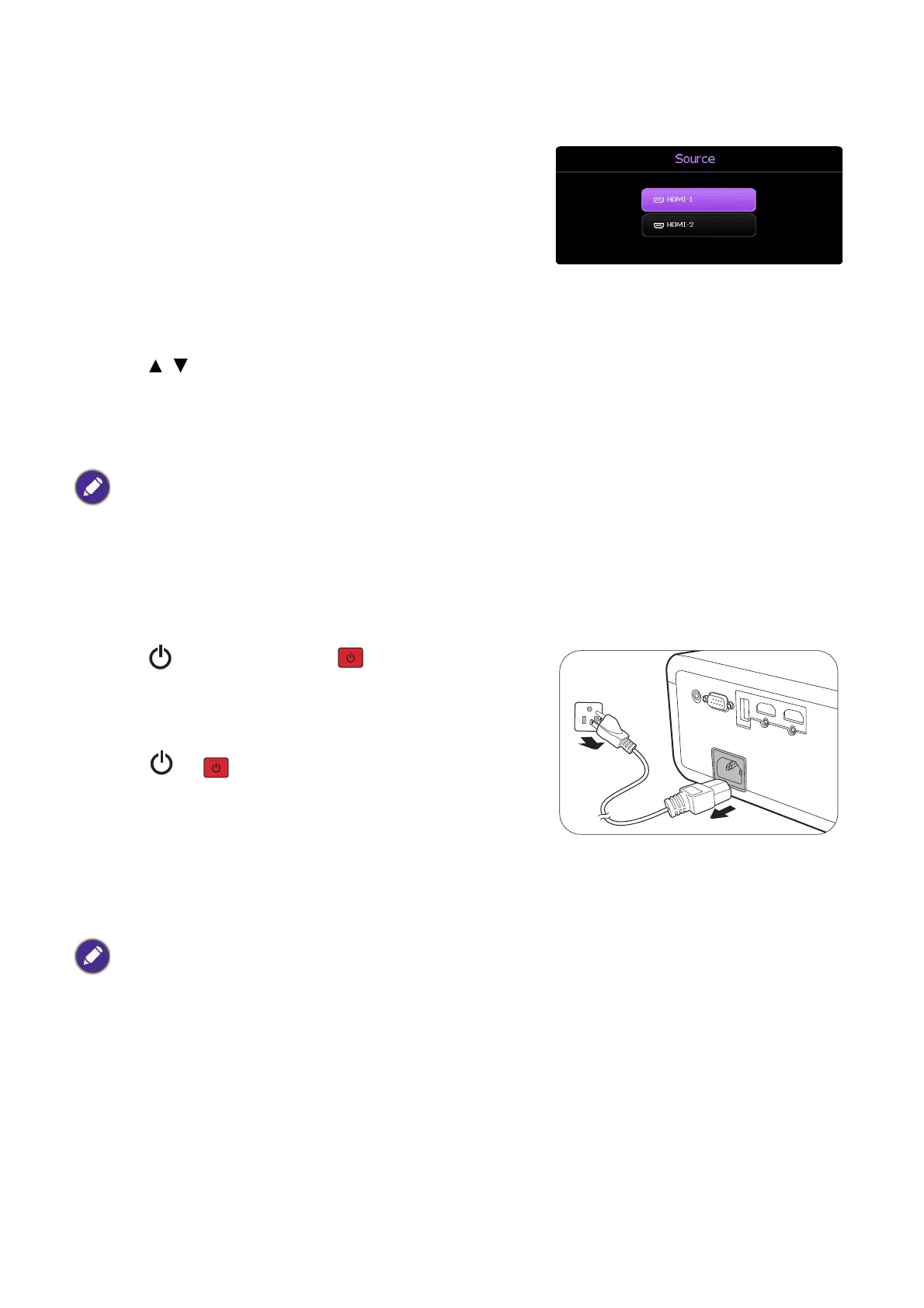
1. Press SOURCE. A source selection bar appears.
2. Press / until your desired signal is selected and press OK.
Once detected, the selected source information will appear at the corner of the screen for
seconds. If there is multiple equipment connected to the projector, repeat steps 1-2 to
search for another signal.
Shutting down the projector
1. Press on the projector or on the remote
control and a confirmation message will appear
prompting you. If you don't respond in a few
seconds, the message will disappear.
2. Press or a second time. The power indicator
flashes orange, the projection light source shuts
down, and the fans will continue to run for
approximately 2 seconds to cool down the projector.
3. Once the cooling process finishes, the power
indicator becomes a steady orange and fans stop.
Disconnect the power cord from the power outlet.
• The brightness level of the projected image will change accordingly when you switch between different
input signals.
• For best display picture results, you should select and use an input signal which outputs at the
projector’s native resolution. Any other resolutions will be scaled by the projector depending upon the
“aspect ratio” setting, which may cause some image distortion or loss of picture clarity. See Aspect
Ratio on page 34.
To protect the light source, the projector will not respond to any commands during the cooling process.



 To Next Page