7
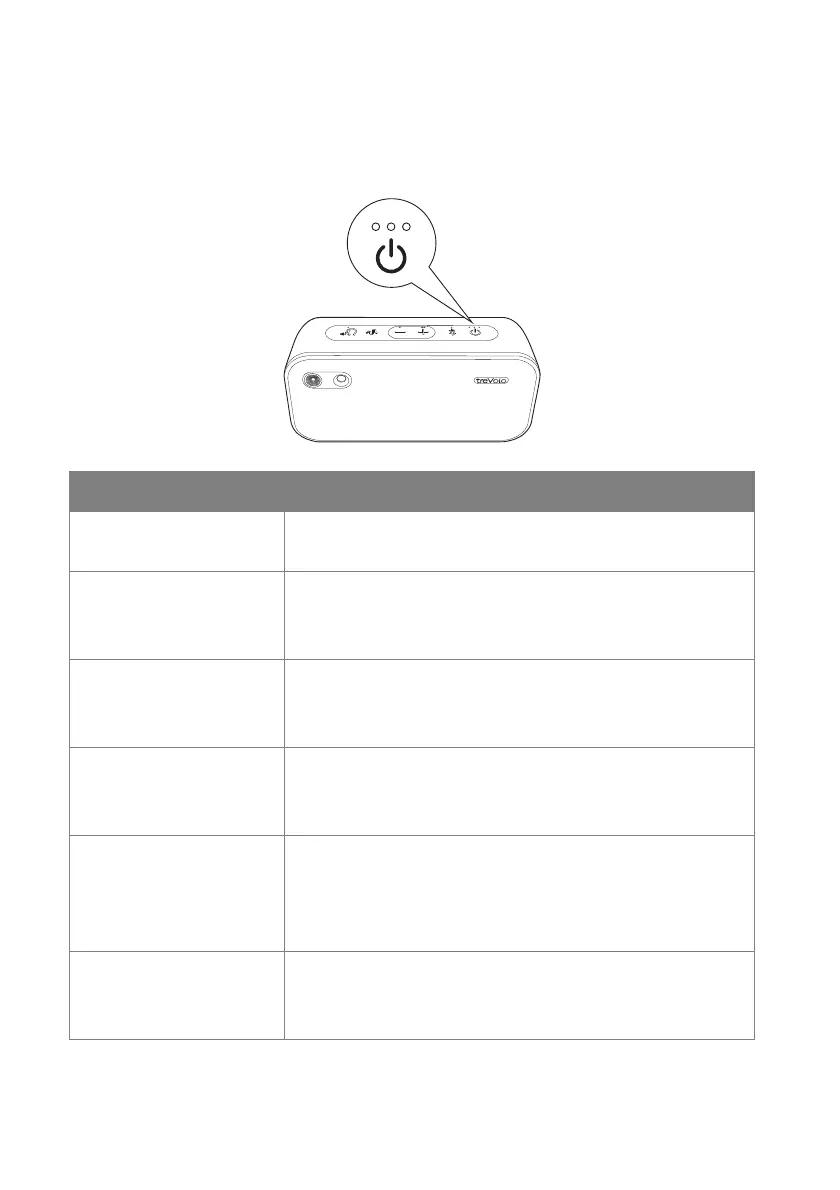
Power LED indicator
Three LEDs above the power button indicate the power level of the
battery.
LED indicator Power status
No LED lights up • Speaker turned off.
• Power adapter unconnected.
Single red LED • Speaker turned off.
• Power adapter connected.
• Battery charging.
Single green LED • Speaker turned off.
• Power adapter connected.
• Battery fully charged.
First white LED • Speaker turned on.
• Battery is 0-33% charged.
• If the battery is charging, the first LED blinks.
Second white LED • Speaker turned on.
• Battery is 34-67% charged.
• If the battery is charging, the second LED
blinks.
Third white LED • Speaker turned on.
• Battery is 68-100% charged.
• If the battery is charging, the third LED blinks.



 To Next Page